
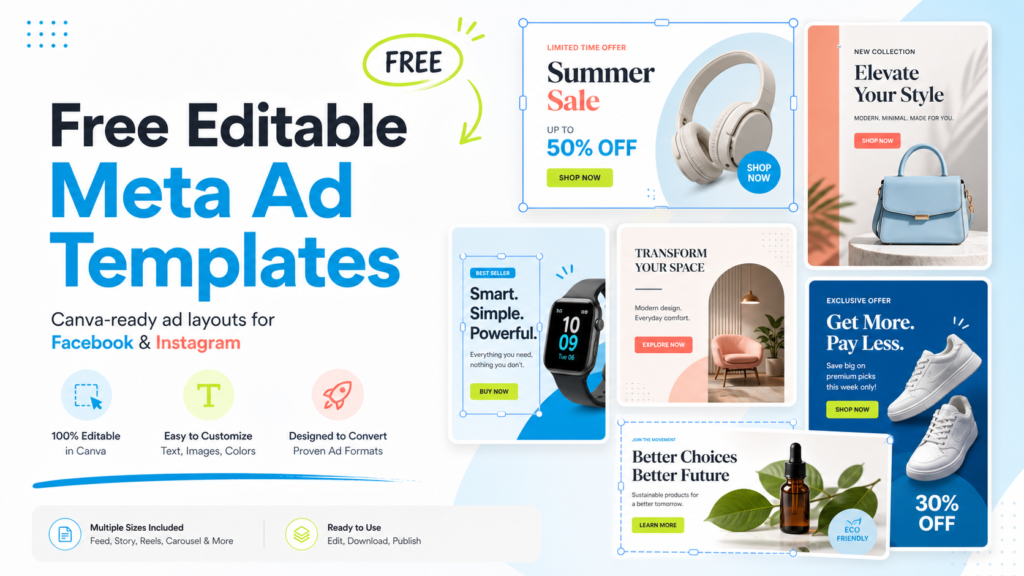
Free Canva-ready ad creative pack
Free Editable Meta Ad Templates for Facebook and Instagram Campaigns
Get a free set of editable Meta ad templates designed for founders, ecommerce brands, agencies, creators, SaaS teams, and small businesses that need better ad creative without rebuilding every layout from scratch.
These templates are made for practical campaign work: offers, lead magnets, product demos, service benefits, app promotions, proof-based ads, and retargeting angles. Edit the text, swap the image, adjust the brand colors, and turn one strong layout into multiple Facebook and Instagram ad variations.
Designed for Meta ads, Instagram feed ads, Facebook feed ads, story planning, lead magnet campaigns, and fast creative testing.
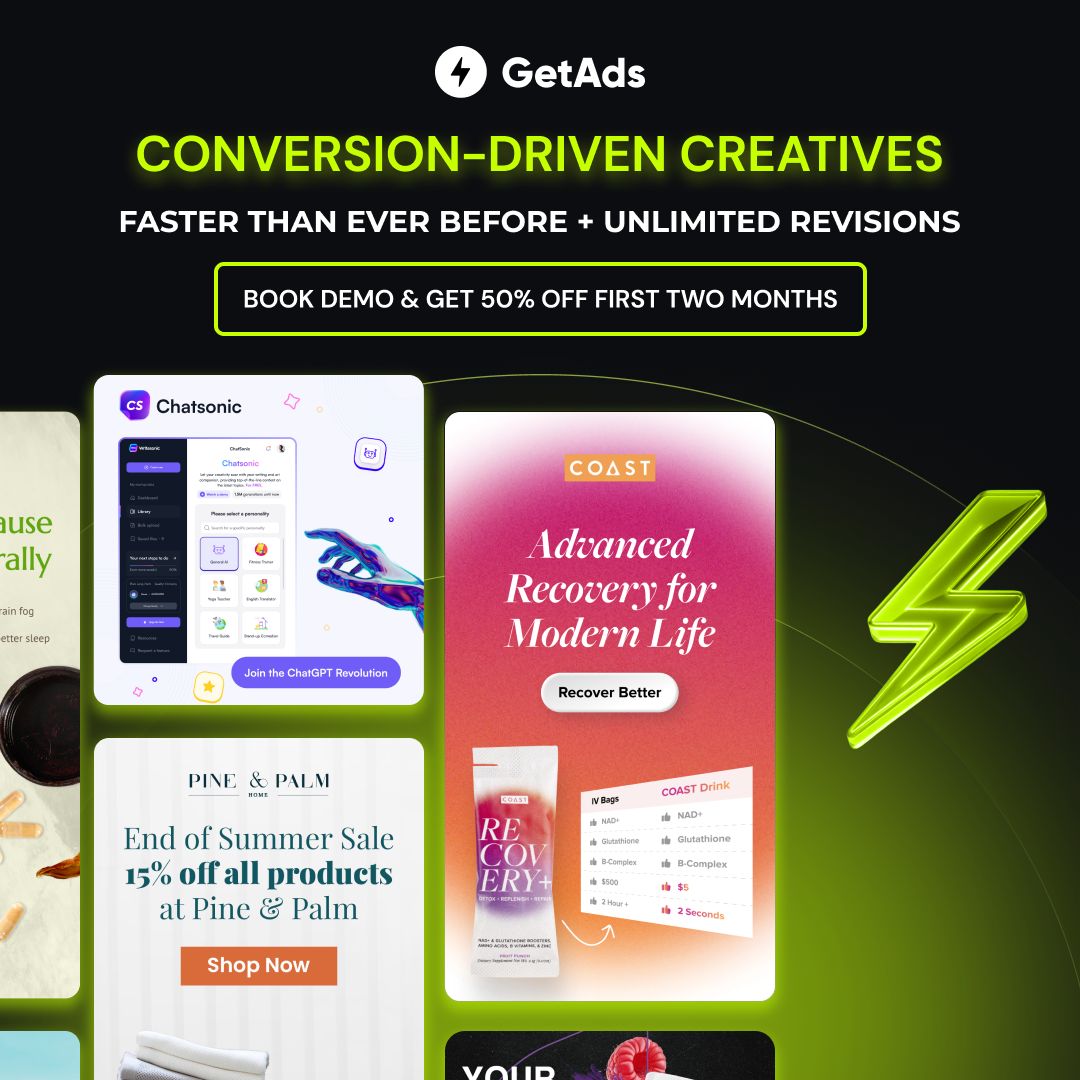
Why free editable Meta ad templates are useful for real campaigns
A strong Meta ad rarely wins because the design is complicated. It wins because the message is clear, the offer is easy to understand, and the visual gives people a reason to stop scrolling. The hard part is producing enough quality creative variations to test different hooks, audiences, offers, and formats.
That is where editable templates help. Instead of opening a blank canvas, choosing random fonts, resizing screenshots, and guessing where the CTA should go, you start with a layout that already has a visual hierarchy. You can spend more time on the angle: what promise you make, what objection you answer, what proof you show, and what action you ask people to take.
This free Meta ad template pack is built for speed, but it is not built to look generic. The layouts are flexible enough for ecommerce products, service businesses, digital products, SaaS tools, creator offers, local businesses, and free resources. You can keep the structure, change the copy, and publish campaign-ready ad concepts faster.
What is included in the free editable template pack?
50+ editable Canva ad layouts
Use the included template layouts as starting points for Facebook and Instagram campaigns. The full free pack contains multiple creative directions so you can test more than one message style.
Use-case focused examples
Many templates are shown with practical examples, so you can see how the design works for lead magnets, offers, apps, proof points, benefits, and service positioning.
Fast brand customization
Change colors, replace images, edit text, adjust logos, and duplicate templates for testing. The goal is to make creative production lighter without making your ads feel disposable.
Preview examples from the free Meta ad template pack
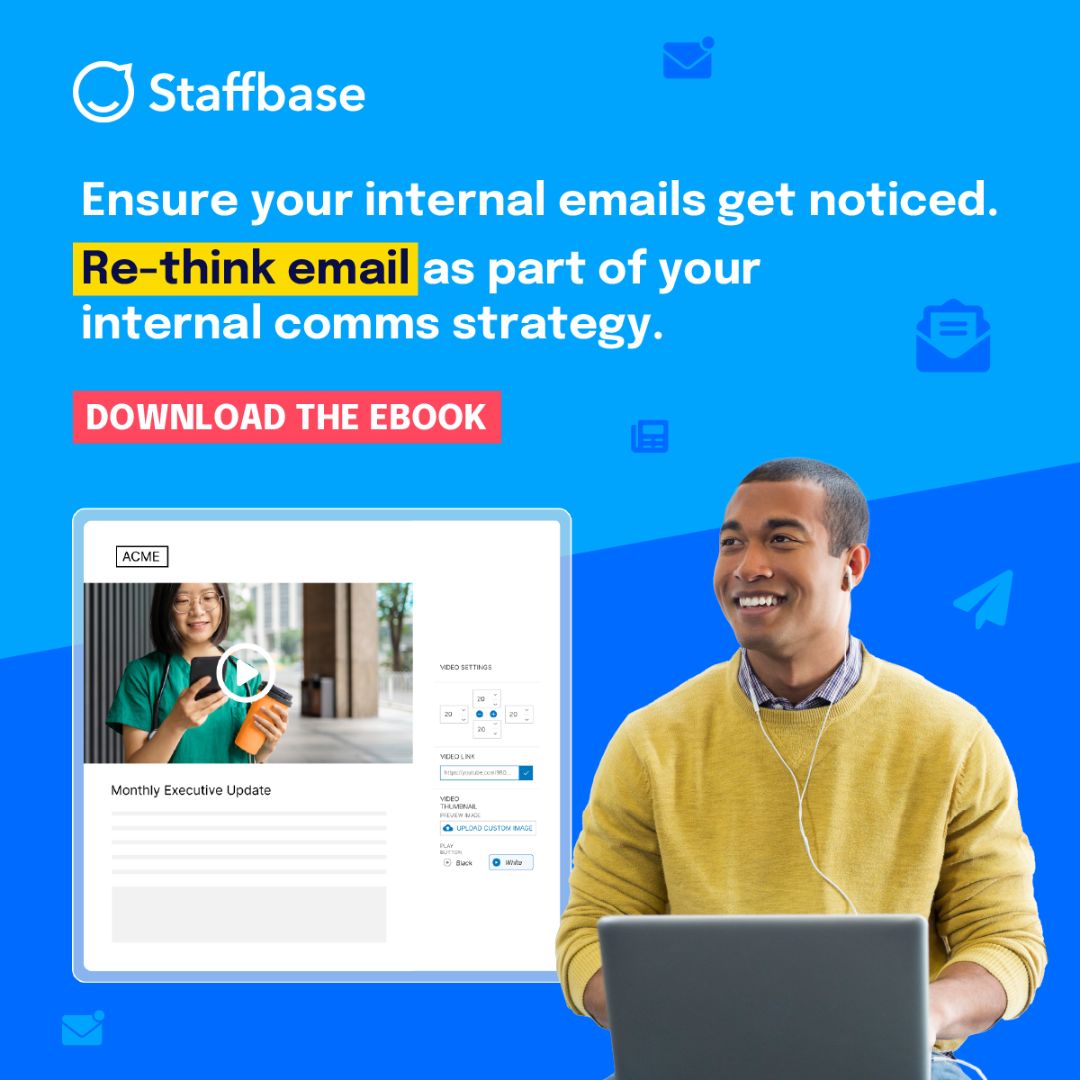
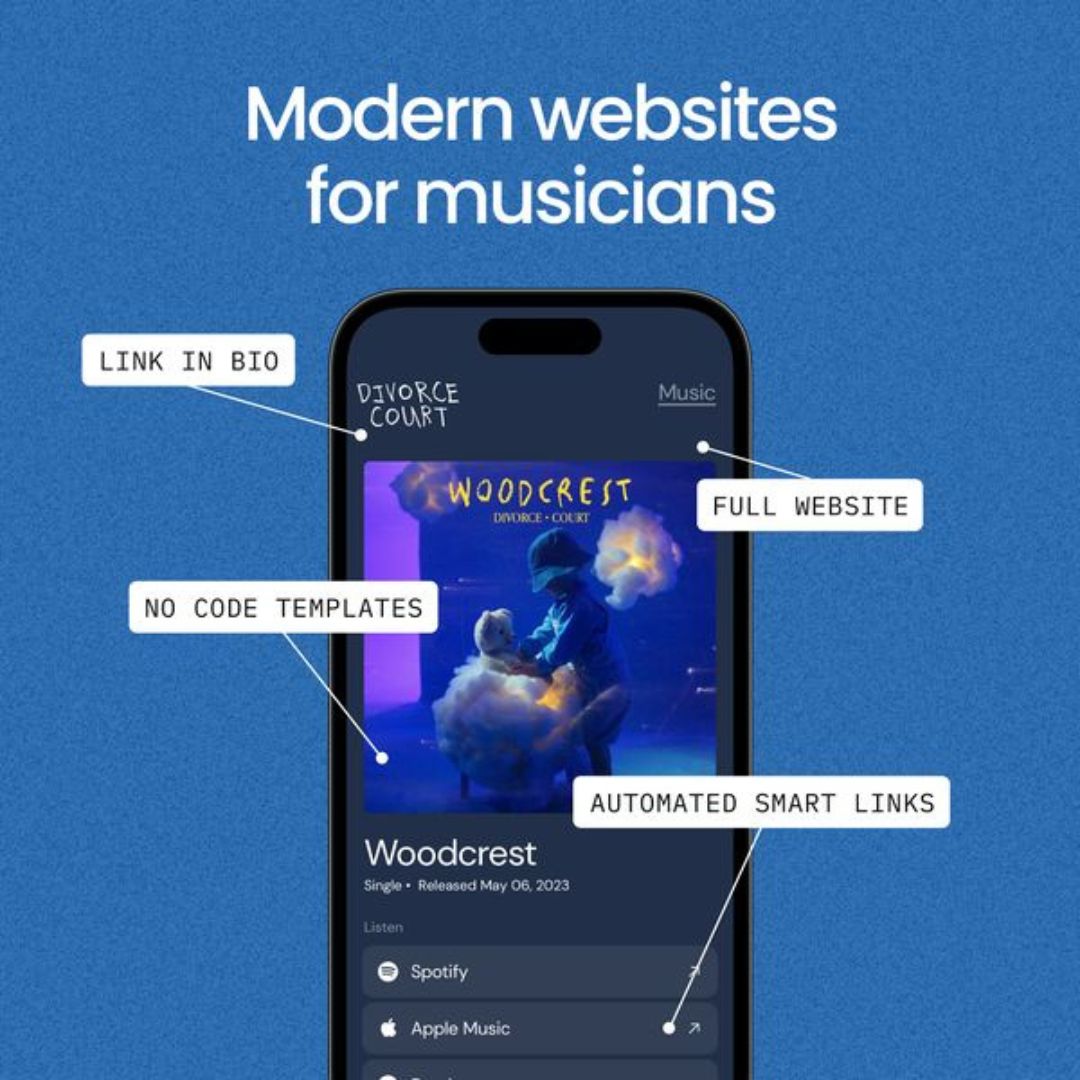
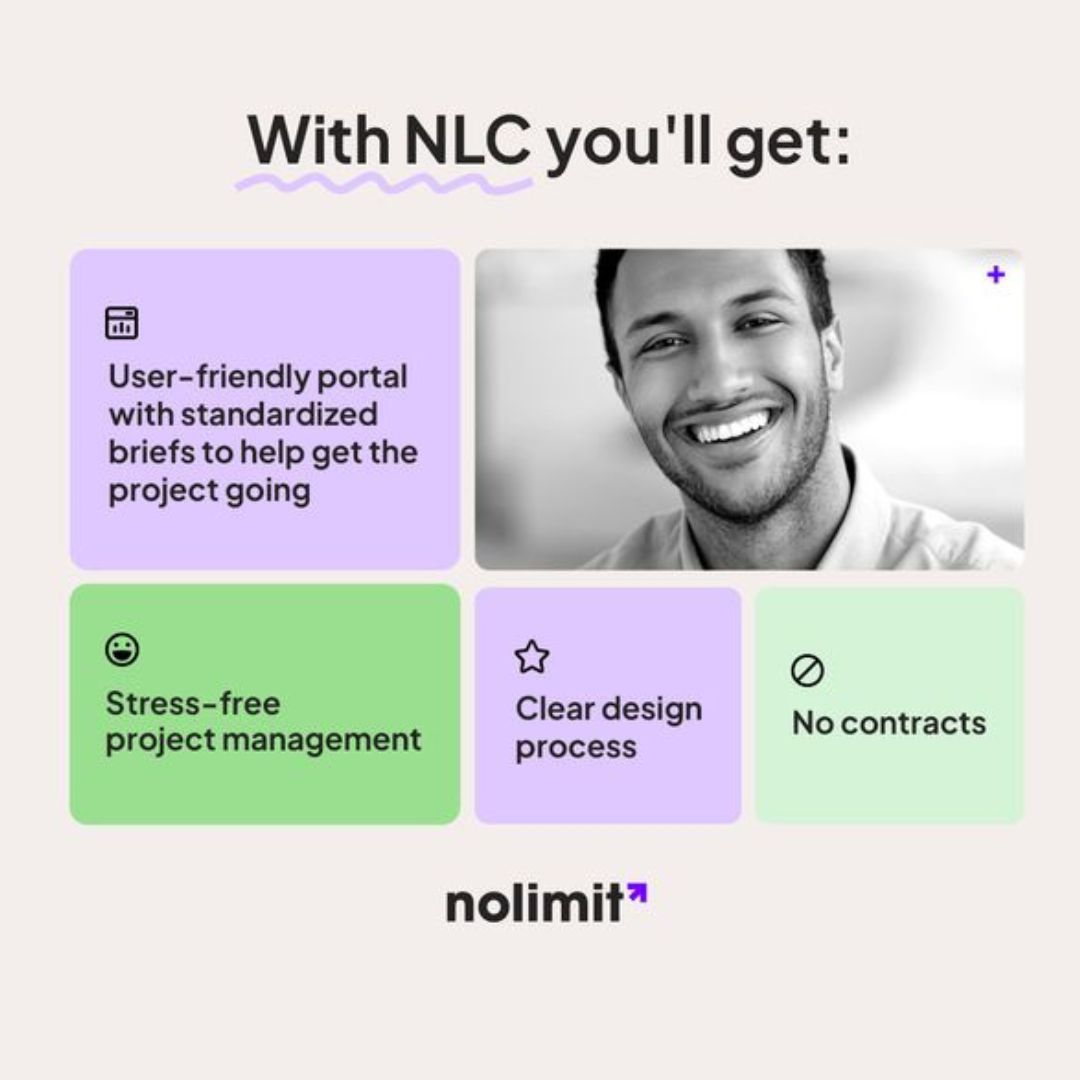
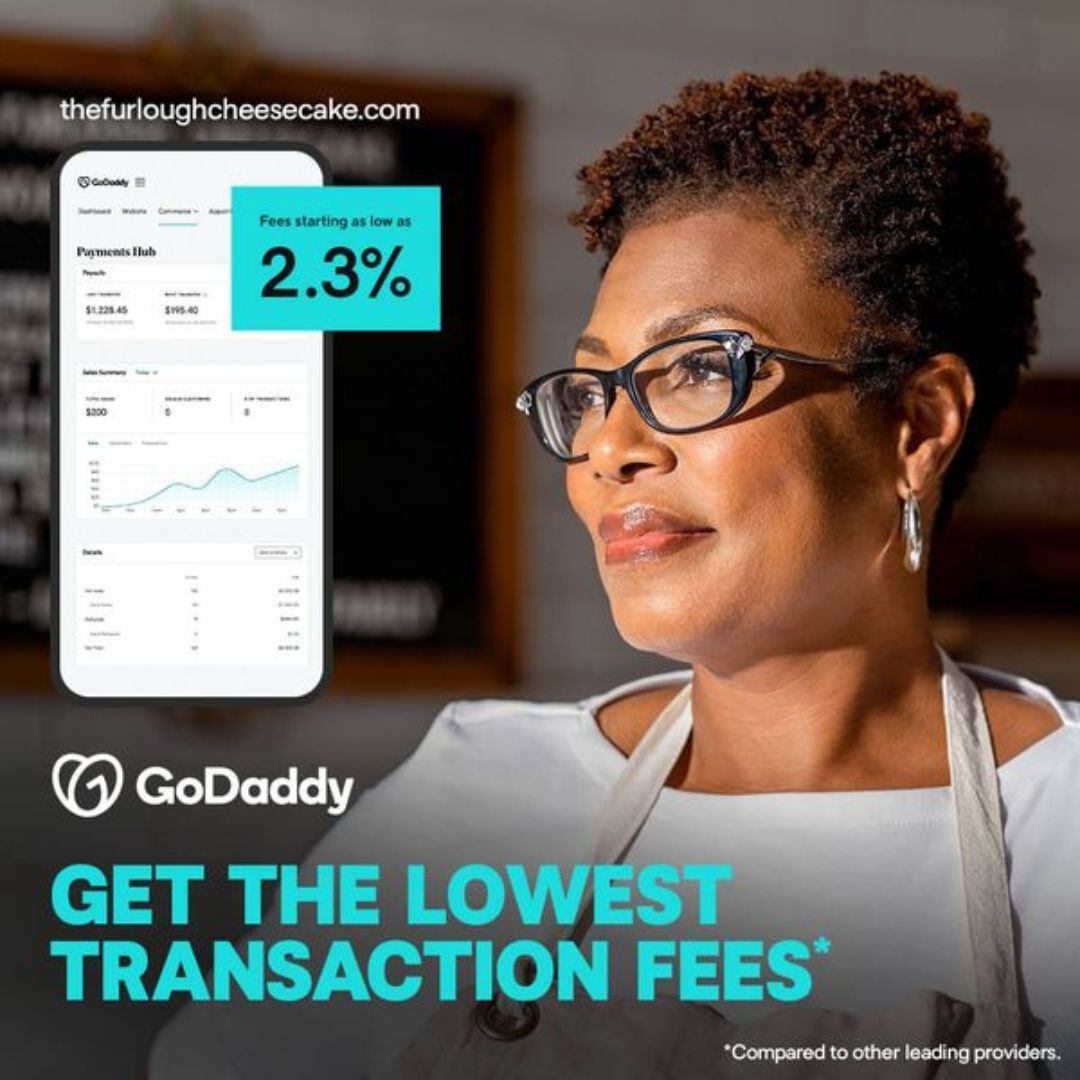
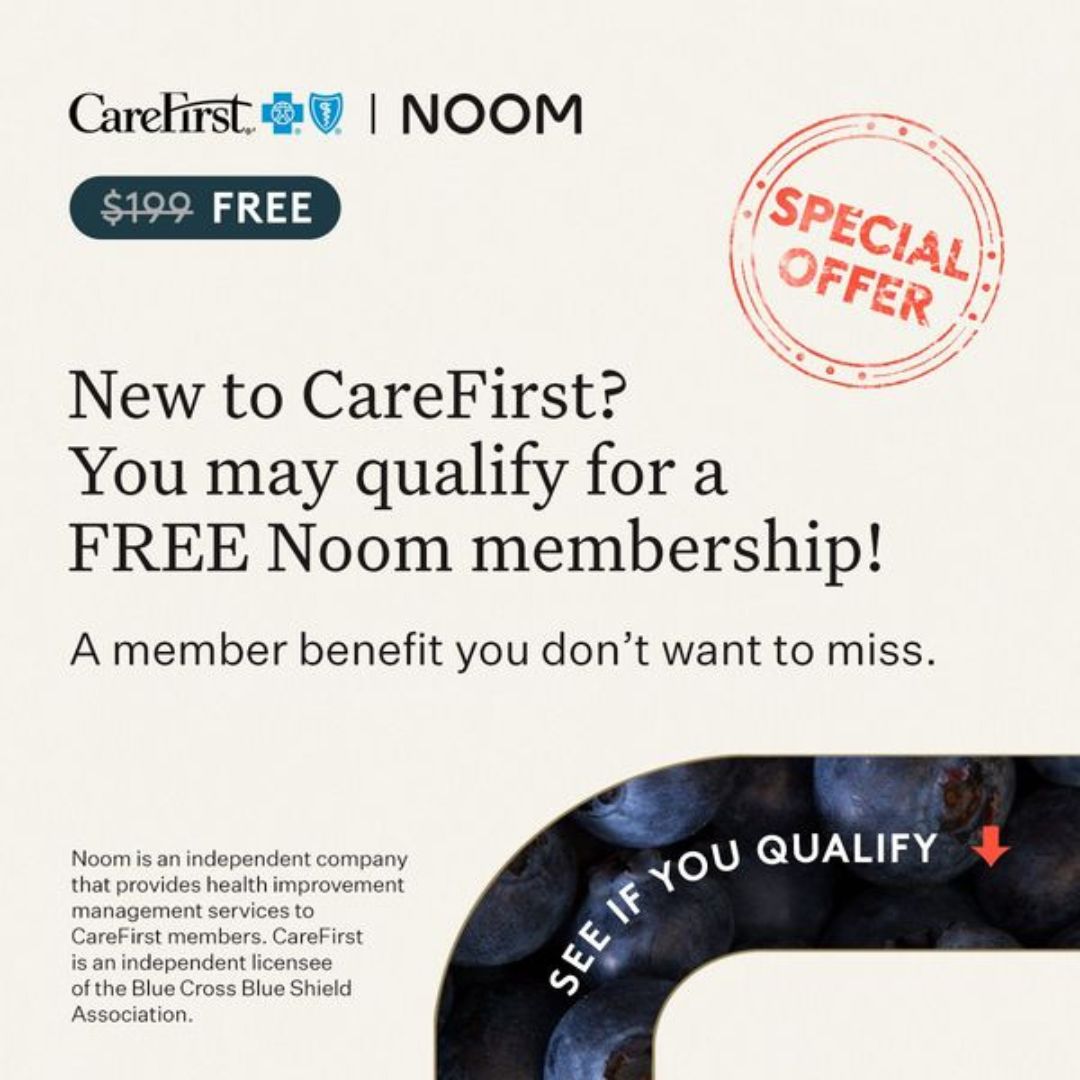
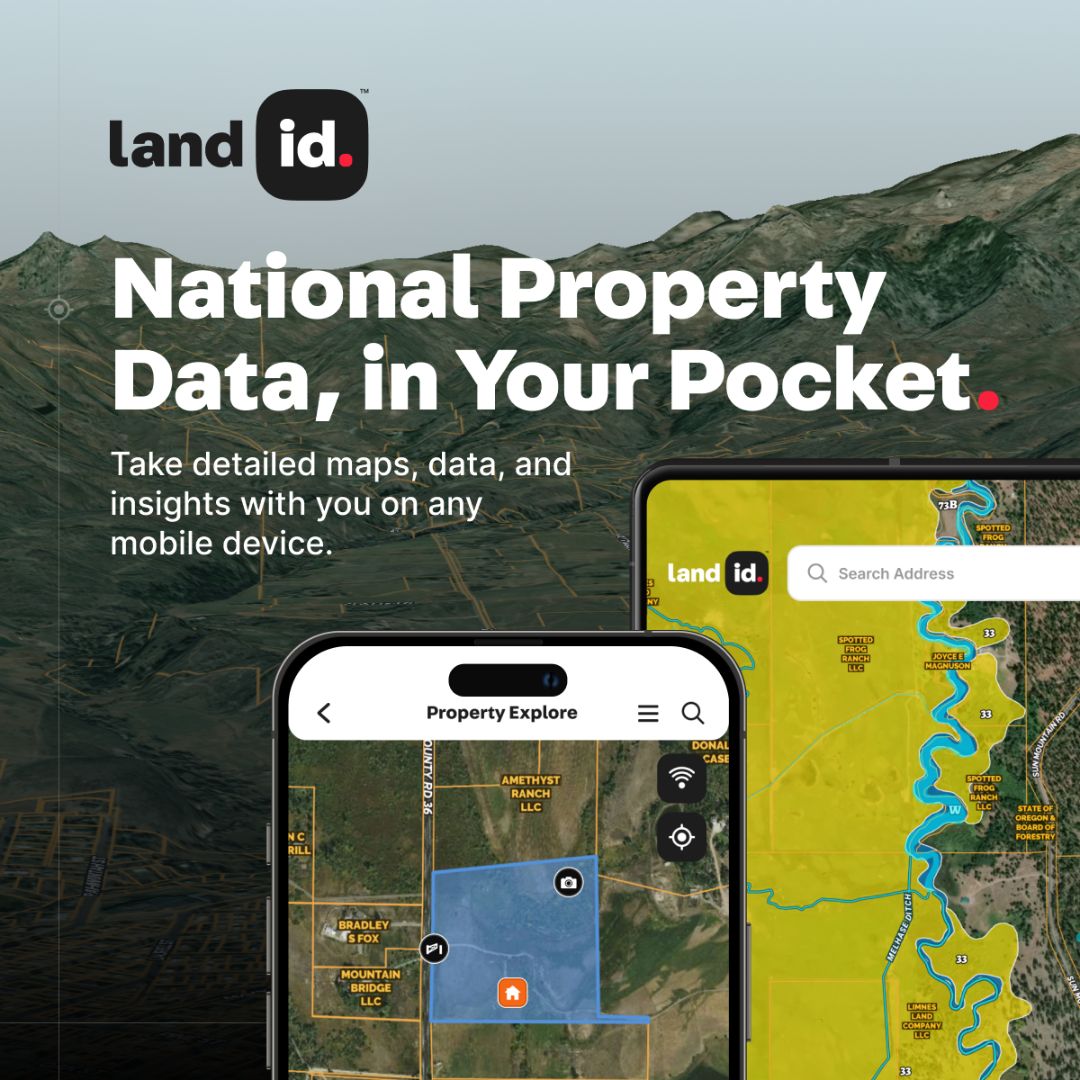
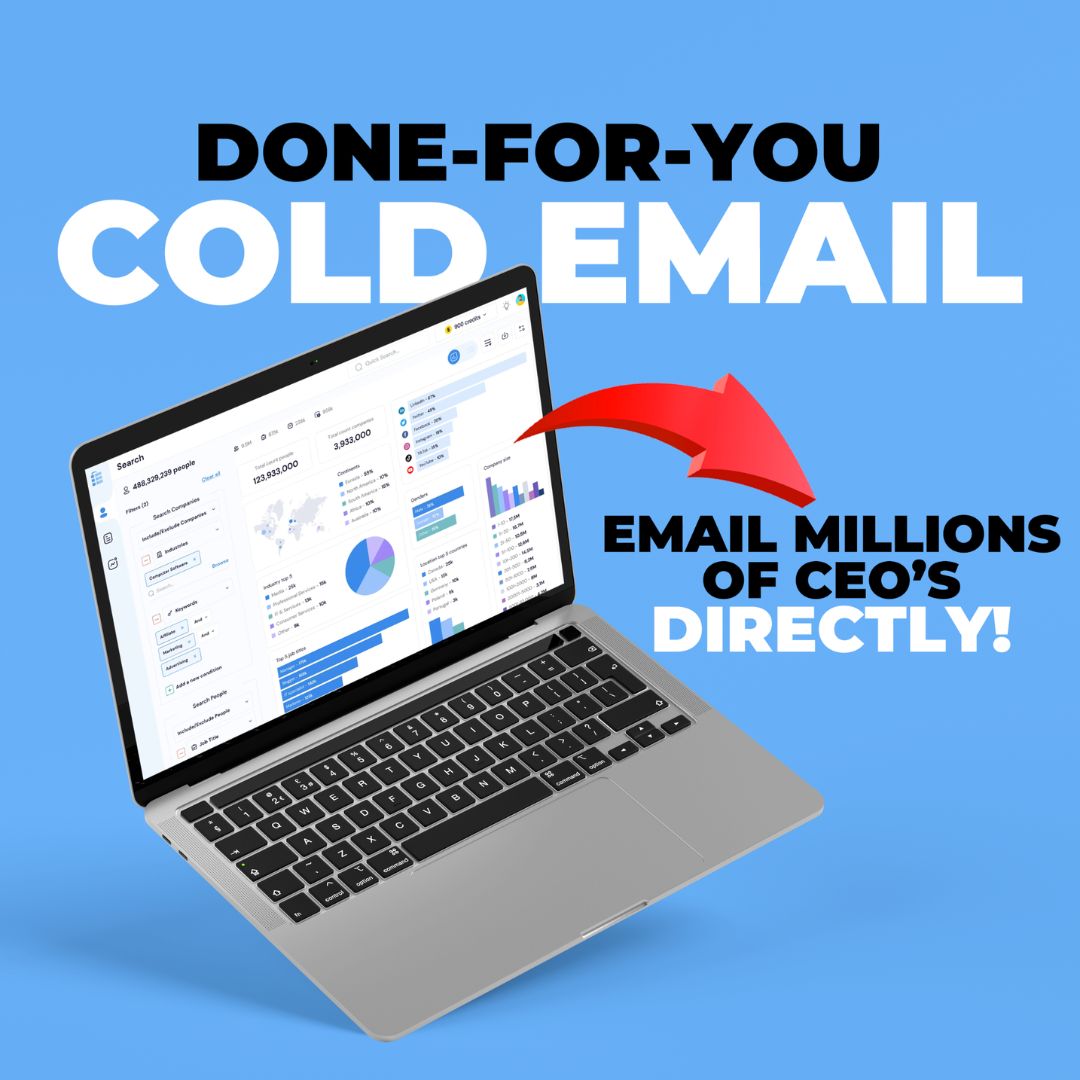
Below are examples of the editable ad template styles included in the free pack. Use them as inspiration for your own offers, then adapt the layout, copy, CTA, image, colors, and proof points to match your brand.

How to use these templates for Facebook and Instagram ads
The fastest way to get value from editable Meta ad templates is to treat each design as a testing framework. Keep the structure, then create several versions with different hooks and offers. Meta ads need fresh creative inputs, and templates make that process much easier.
- Choose one campaign goal. Decide whether the ad is meant to sell a product, get leads, promote a free resource, increase demo bookings, retarget warm visitors, or introduce a new offer.
- Pick a matching template style. Use a proof-led template for statistics, a benefit-card layout for service positioning, a product-screen layout for apps, or a bold offer layout for direct-response campaigns.
- Rewrite the headline around one clear promise. Avoid trying to say everything in the first line. A useful ad headline usually makes one benefit obvious in plain language.
- Replace generic visuals with specific assets. Add product photos, dashboard screenshots, customer-facing mockups, packaging images, before-and-after examples, or a realistic preview of the free resource.
- Create at least five variations. Duplicate the template and test different hooks, CTAs, proof points, colors, and first-line messaging. One template can become a full creative batch.
- Match the ad to the landing page. If the template says “download the guide,” the landing page should immediately confirm the guide, explain the value, and make the next step obvious.
Best use cases for this free ad template pack
These free editable templates are especially useful when you need to create polished ad concepts quickly without hiring a designer for every variation. They work best when the template is paired with a specific customer problem, proof point, or offer.
- Lead magnet ads: Promote free guides, checklists, ebooks, webinars, audits, and newsletter opt-ins without starting from a blank Canva file.
- Ecommerce offer ads: Show product bundles, sale windows, free gifts, discount codes, and new-arrival campaigns in a format that feels direct and scannable.
- SaaS and app ads: Turn screenshots, dashboards, mobile screens, statistics, and feature benefits into clean feed-ready creative.
- Service business ads: Explain outcomes, packages, process steps, guarantees, client benefits, and proof points for agencies, freelancers, coaches, and consultants.
- Retargeting creatives: Build reminder ads for people who visited a product page, engaged with a post, watched a video, or opened a lead form without converting.
- Creative testing: Duplicate one template into hook, offer, CTA, color, format, and angle variations so your Meta campaigns have enough fresh inputs to learn from.
Template angles you can test inside Meta Ads Manager
Meta’s algorithm needs enough creative options to understand what people respond to. A template pack gives you the production speed to test more angles while keeping the design professional.
| Angle | Best for | Template idea |
|---|---|---|
| Problem-aware hook | Cold audiences who know the pain but not your brand | Use a headline that names the frustration, then show the template/resource/product as the shortcut. |
| Proof or statistic | SaaS, apps, tools, B2B, ecommerce performance claims | Lead with a number, chart, review snippet, rating, or measurable customer outcome. |
| Offer announcement | Discounts, free trials, bundles, launches, seasonal promos | Make the offer the largest visual element and keep the CTA short. |
| Benefit stack | Services, agencies, info products, subscriptions | Show three to four buyer outcomes in separate cards so the value is easy to scan. |
| Product walkthrough | Software, templates, apps, dashboards, digital products | Show the actual interface or resource preview so people understand what they get. |
| Retargeting reminder | Warm traffic, abandoned carts, product page visitors | Answer the objection that likely stopped the first click: price, time, trust, complexity, or fit. |
What makes a Meta ad template worth using?
A good template is not just a pretty square. It should help you communicate faster. When you choose a template for Facebook or Instagram ads, look for these fundamentals:
- Clear hierarchy: people should understand the headline, visual, offer, and CTA in seconds.
- Editable structure: you should be able to swap text and images without breaking the layout.
- Room for proof: reviews, numbers, screenshots, badges, and product details should fit naturally.
- Mobile readability: most users will see the ad on a phone, so small decorative text should never carry the main message.
- Variation potential: one design should be easy to duplicate into new hooks, colors, audiences, and offers.
The free editable Meta ad templates on this page were selected because they cover multiple creative jobs. You can use them for quick testing, campaign launches, client mockups, social proof ads, and free resource promotion.
Use the templates to build a creative testing system
If you want to rank, convert, and learn faster, treat your ads like a system. Start with one offer, pick three creative angles, then make several variations under each angle. That gives Meta more signals and gives you a clearer view of what your audience actually cares about.
For example, an ecommerce brand can test a discount angle, a product-benefit angle, and a proof angle. A SaaS company can test a pain-point headline, a dashboard screenshot, and a statistic. A service business can test a founder-led promise, a benefit-card breakdown, and a limited-time consultation offer.
Templates make this easier because the layout work is already solved. Your time goes into the part that usually moves performance: the promise, proof, audience match, and offer clarity.
Editable Meta ad template checklist before publishing
- Use one main idea per ad creative.
- Keep the headline readable on mobile.
- Make the offer or outcome obvious above the fold of the design.
- Use real product images, screenshots, or believable mockups where possible.
- Add proof when you have it: ratings, results, testimonials, customer counts, or usage stats.
- Use a CTA that matches the next page: Download, Shop Now, Book Demo, Get Started, Learn More, or Claim Offer.
- Create variations instead of betting everything on one design.
- Check that the landing page repeats the same message as the ad.
Free editable Meta ad templates FAQ
Are these templates for Facebook ads or Instagram ads?
They are designed for Meta campaigns, so you can adapt them for Facebook feed, Instagram feed, story planning, reels covers, retargeting ads, lead magnet campaigns, and promotional creatives. You may still need to resize the design depending on placement.
Can I edit these templates in Canva?
Yes. The pack is intended for editable Canva use, so you can update text, colors, images, logos, screenshots, and layout details to match your brand and offer.
What businesses can use these free ad templates?
The templates work for ecommerce brands, agencies, SaaS companies, app founders, course creators, consultants, service providers, local businesses, newsletters, and digital product sellers.
Will templates alone make my ads profitable?
No template can guarantee ad performance. The template improves speed and presentation, but results depend on your offer, targeting, landing page, product-market fit, creative testing, budget, and conversion tracking.
How many variations should I create?
Start with five to ten variations for one offer. Test different hooks, CTAs, proof points, and visuals. If one direction works, duplicate it and make more variations around the winning idea.
Need Ad Ideas Before You Edit the Templates?
Before opening the Canva templates, you can use our Free Facebook Ad Creative Generator to create fresh ad hooks, primary text, headlines, creative angles, static layout ideas, and UGC scripts for your product.
This gives you a faster workflow: generate the campaign idea first, choose the best hook or angle, then customize these free editable Meta ad templates into polished Facebook and Instagram ads.
Start with free editable Meta ad templates
Use this free template pack to create better-looking Facebook and Instagram ad concepts faster. Preview the layouts, choose the closest match for your campaign, then customize the design around your offer, proof, and audience.