
Meta Ad Templates for Faster Facebook & Instagram Creative Testing
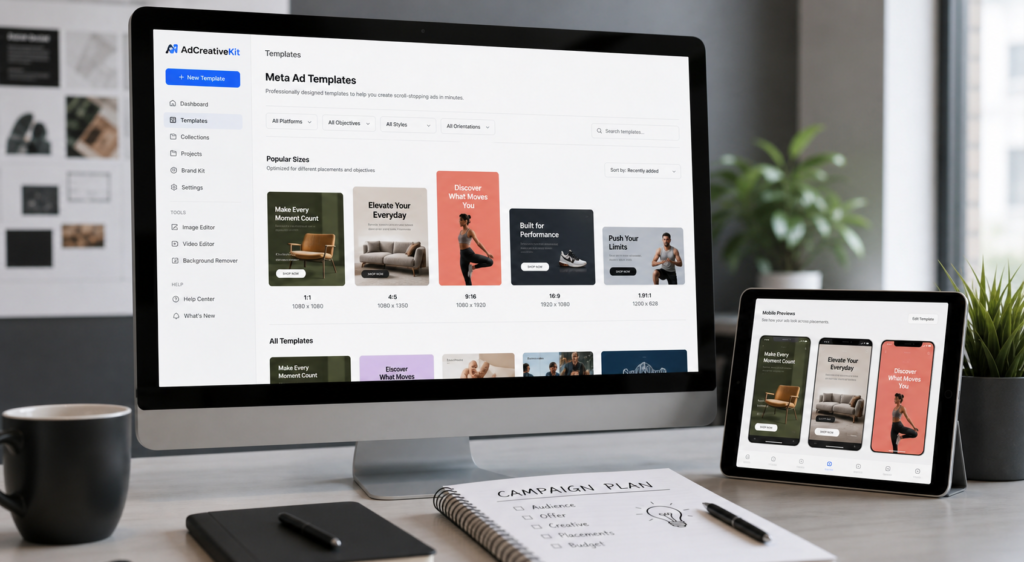
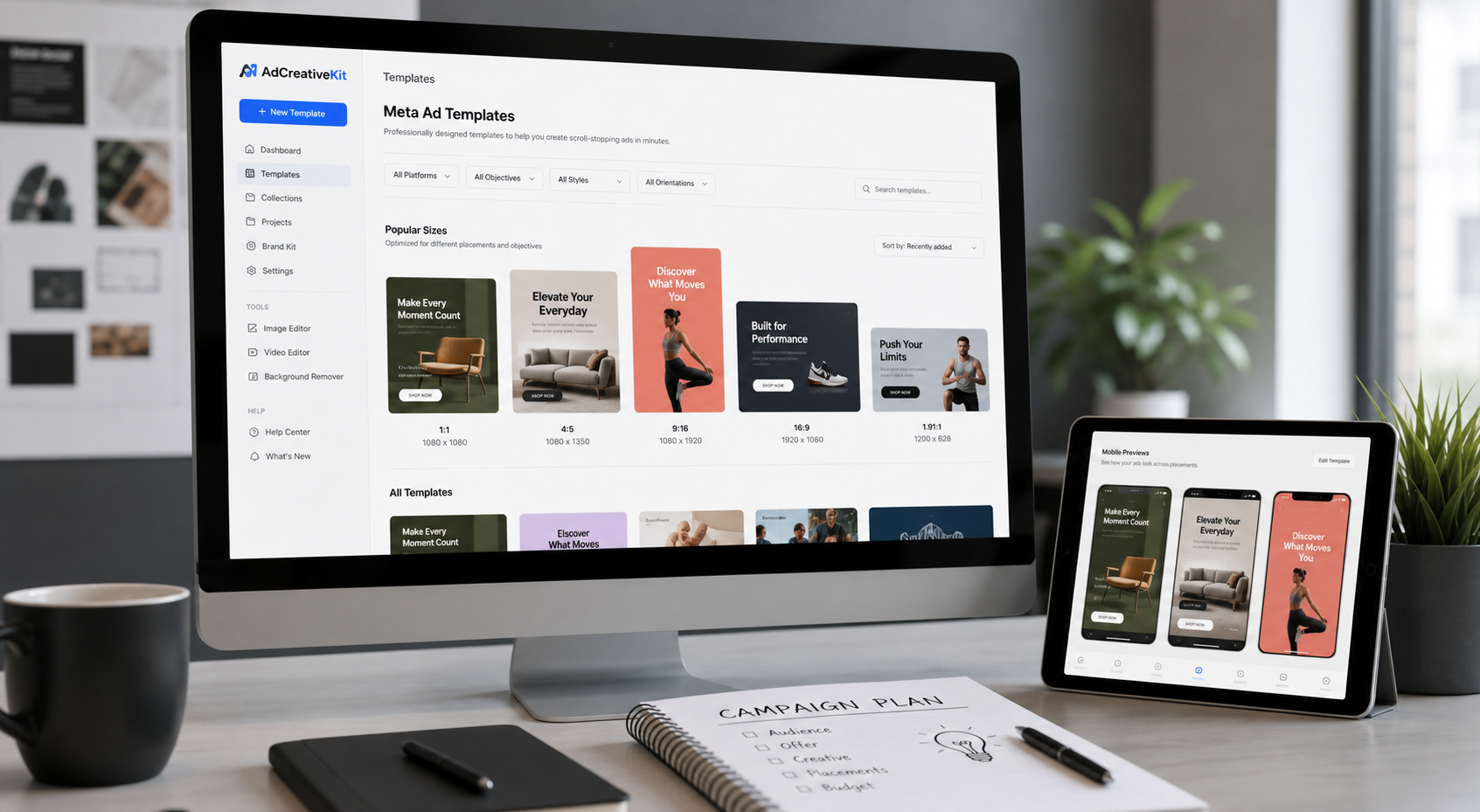
Build more campaign-ready ad variations without staring at a blank canvas. AdCreativeKit gives ecommerce founders, marketers, and small teams editable Meta ad templates for Facebook and Instagram campaigns, with layouts built around hooks, offers, product visuals, proof, and clear calls to action.
Use the templates to turn one campaign idea into multiple creative angles: product showcases, offer announcements, testimonial-style ads, comparison layouts, UGC-inspired statics, carousel storyboards, and retargeting reminders. Edit in Canva or Figma, apply your brand assets, export the right placement format, and launch with a cleaner testing system.
Get lifetime access to AdCreativeKit
Why Meta Ad Templates Matter
Meta campaigns move quickly. A single ad rarely tells you enough about your market, offer, or message. The real advantage comes from testing more angles without rebuilding every creative from scratch.
A strong template gives you structure before you write the final copy: where the hook goes, how the product is framed, how proof is shown, how the CTA appears, and how the layout holds up on mobile. That structure helps you create more variations while keeping your brand and offer consistent.
- Move from idea to export faster: start with ready-to-edit layouts instead of an empty file.
- Test more creative angles: compare hooks, benefits, proof, visuals, and CTAs more deliberately.
- Keep campaigns easier to review: organize variations by placement, audience stage, and message angle.
- Build for mobile scanning: use short copy, readable hierarchy, and clear visual focus.
What Are Meta Ad Templates?
Meta ad templates are reusable creative layouts for Facebook and Instagram placements. They can support static ads, carousel concepts, story-safe vertical creative, retargeting reminders, offer announcements, testimonial-style proof, comparison layouts, and product benefit ads.
Meta Ad Template Formats to Test
Product Showcase Ads
Best for warm audiences, product launches, best sellers, bundles, and simple offers. Put the product, mockup, or offer preview at the center, then support it with one clear benefit and a direct CTA.
Problem-Solution Ads
Best for cold audiences who need context. Start with the pain point your buyer already recognizes, then position the product as the easier way forward.
Benefit-Stack Ads
Best for products or bundles with multiple selling points. Highlight three to five benefits, but keep one dominant message so the ad does not turn into a crowded brochure.
Proof-Led Ads
Best for retargeting and skeptical buyers. Use real reviews, ratings, customer quotes, creator feedback, press mentions, or permission-based proof. Never invent testimonials or imply guaranteed results.
Comparison Ads
Best for showing a better workflow, clearer value, or a stronger alternative. Compare the old way versus the new way, manual work versus templates, or scattered assets versus a connected campaign kit.
Offer Announcement Ads
Best for promotions, launches, bundles, limited-time bonuses, and seasonal campaigns. Keep the discount or offer easy to understand in one glance.
Carousel Storyboards
Best for education, objections, product walkthroughs, and multi-step explanations. Each card should make one point and move the viewer toward the next click.
Facebook vs Instagram Template Use Cases
| Placement | Template idea | Copy direction | Best use |
|---|---|---|---|
| Facebook Feed | Product showcase with benefit headline | Make the offer and proof easy to scan. | Cold or warm traffic |
| Instagram Feed | Clean 4:5 product or bundle visual | Short hook, one visual focus, one CTA. | Mobile-first product discovery |
| Stories | Vertical offer announcement | Big hook, minimal text, clear tap-forward CTA. | Promotions and retargeting |
| Reels-style creative | UGC-inspired static or scene layout | Founder-style hook, product visual, fast CTA. | Native-feeling creative tests |
| Carousel | Problem, mistake, solution, proof, CTA sequence | One idea per card. | Education and objection handling |
Before exporting, compare your final placements with the current Meta Ads Guide.
Four Creative Testing Frameworks
The 5-Angle Launch Grid
For one offer, create five versions before judging the idea: pain angle, outcome angle, speed angle, proof angle, and offer angle.
The Hook Swap Test
Keep the same template, image, offer, and CTA. Change only the hook. This helps you see whether the opening idea is carrying the creative.
The Format Fit Test
Adapt the same message into three placement-friendly formats: square feed, vertical story or reel, and carousel. Rebuild the hierarchy for how each placement is viewed.
The Proof Ladder
Test proof from light to strong: feature claim, specific benefit, review snippet, customer quote, before-and-after context, and offer guarantee. Use only proof you can verify and legally publish.
Canva and Figma Editing Workflow
- Pick the campaign goal.
- Choose the layout that matches the message.
- Rewrite the hook.
- Replace product visuals.
- Match brand colors and fonts.
- Add proof, offer, and CTA.
- Export placement-safe sizes.
- Label variations by test angle.
AdCreativeKit vs Free Template Libraries
| Need | Free template library | AdCreativeKit |
|---|---|---|
| Pretty social graphic | Often enough | Included, but not the main point |
| Ecommerce campaign structure | Usually generic | Built around hooks, offers, proof, product visuals, and CTAs |
| Testing workflow | Often manual | Reusable layouts for controlled creative variation |
| Full funnel consistency | Usually separate assets | Ads, emails, landing pages, hooks, and copywriting resources in one bundle |
Helpful AdCreativeKit Resources
- Facebook ad templates
- Instagram ad templates
- static Meta ad templates
- editable ad templates
- Facebook carousel ad templates
- UGC ad templates
- ecommerce ad templates
- Canva ad templates
Proof and Performance Note
AdCreativeKit is designed to help you create ad variations faster, organize creative tests, and build more consistent campaign assets. Templates can improve production speed, structure, and testing discipline, but they do not guarantee revenue, ROAS, profitability, approval, reach, or ad platform performance.
AdCreativeKit is not affiliated with, endorsed by, or sponsored by Meta Platforms, Inc. Meta, Facebook, and Instagram are trademarks of their respective owners. Platform names are used only to describe compatible advertising placements.
FAQ
What are Meta ad templates?
Meta ad templates are editable creative layouts for Facebook and Instagram ad placements. They give you a structure for the hook, visual, benefit, offer, proof, and call to action so you can create campaign assets faster.
Can I edit these templates in Canva and Figma?
Yes. You can replace placeholder copy, add product images, adjust colors, update fonts, and export campaign creatives without advanced design skills.
Are these only for ecommerce brands?
They are especially useful for ecommerce, digital products, creators, and small marketing teams, but the layouts can be adapted for many offers.
What Facebook and Instagram ad formats should I create first?
Start with feed ads for product and benefit messages, vertical stories or reels-style creatives for mobile-first offers, and carousel ads for education, objections, comparisons, or multi-step explanations.
How many ad variations should I test?
A practical starting point is three to five variations for one offer. Keep the offer consistent, then test different hooks, visuals, proof points, layouts, or CTAs.
Do Meta ad templates guarantee better results?
No. Templates help with speed, structure, and creative testing consistency, but ad performance depends on many factors including your offer, audience, landing page, tracking, budget, and campaign setup.
Can I use Facebook or Instagram logos in my ads?
Avoid using platform logos unless you have permission and follow the relevant brand guidelines. Text references are usually enough to describe the placement without implying endorsement.
Build Your Next Meta Campaign Faster
Stop rebuilding every Facebook and Instagram ad from scratch. Start with editable templates, create more angles, and give every campaign a clearer testing system from the first draft.