
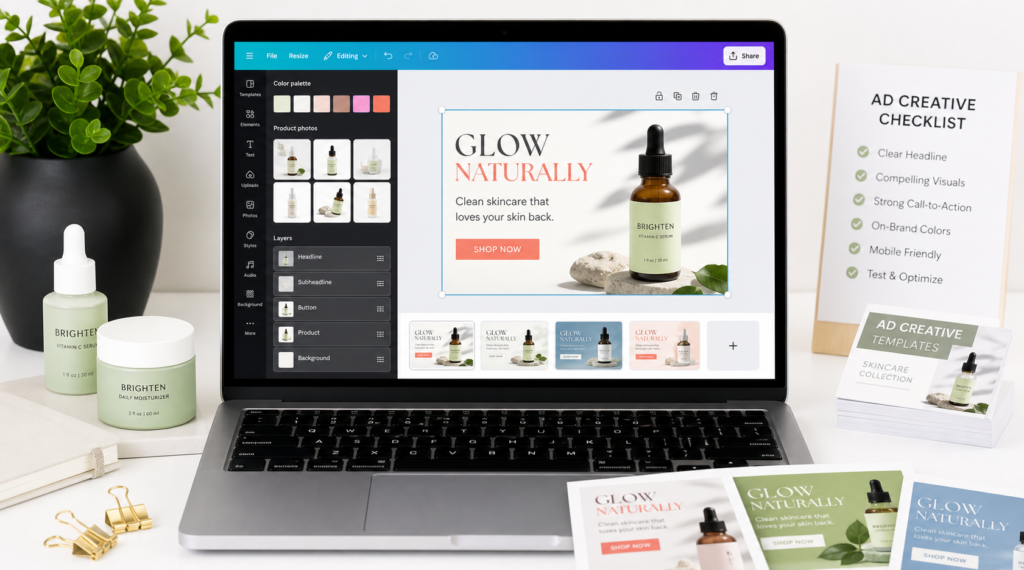
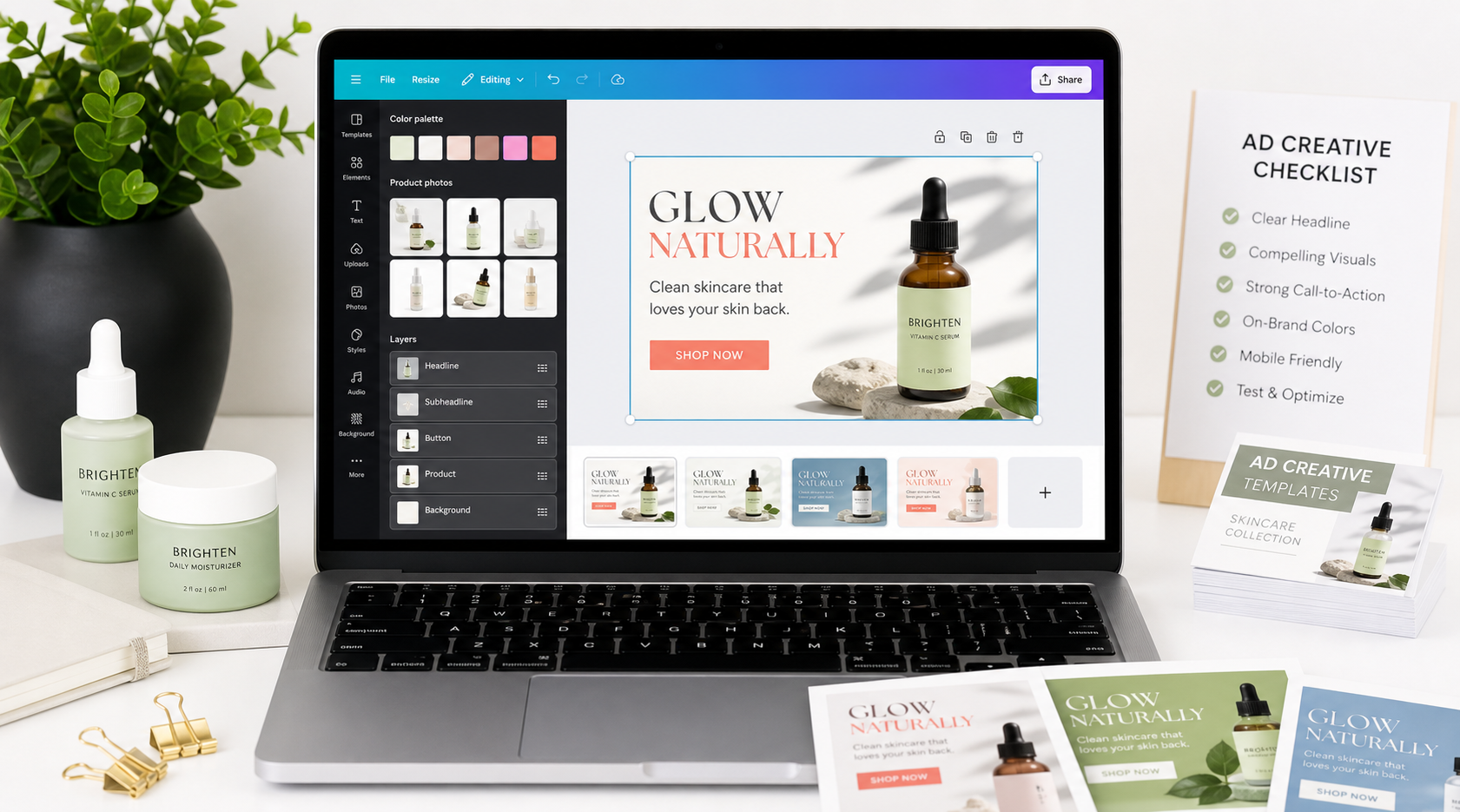
Canva Ad Templates Built for Faster Ecommerce Creative Testing
AdCreativeKit gives ecommerce owners, marketers, and creators a faster way to build polished ad creatives in Canva without starting from a blank canvas. Choose a proven ad layout, replace the copy and product visuals, apply your brand style, and export campaign-ready variations for testing.
These templates are made for practical campaign work: product promos, offer ads, retargeting creatives, carousel concepts, launch assets, and direct-response static ads. The goal is not to make every ad look the same. The goal is to give you a repeatable structure so you can test stronger hooks, clearer offers, better product images, and more focused calls to action.
Get lifetime access | View template bundle
What Makes a Canva Ad Template Campaign-Ready?
A blank design file slows down creative testing. You still have to decide the layout, headline hierarchy, product placement, offer badge, CTA treatment, and mobile readability before you can even test the message. Canva ad templates give you the structure first so you can focus on the hook, offer, product visual, proof, and CTA.
- Create more ad variations in less time.
- Keep product images, headlines, and CTAs readable on mobile.
- Build consistent creative across Meta, Facebook, Instagram, stories, and retargeting campaigns.
- Give non-designers a cleaner starting point for campaign assets.
- Turn winning layouts into reusable creative systems.
Canva Ad Template Formats Included
- Product ads: show the product, benefit, offer, and CTA in one clear visual.
- Sale ads: promote discounts, bundles, seasonal offers, limited-time deals, and product drops.
- Retargeting ads: bring visitors back with proof, reminders, objections, bonuses, or urgency.
- Carousel ads: explain features, compare options, answer objections, or tell a product story slide by slide.
- UGC-style creatives: create native-feeling layouts with hooks, creator-style framing, review snippets, and product callouts.
- Lead magnet ads: promote guides, checklists, free resources, webinars, and email list offers.
- Story and reel-safe layouts: rebuild the visual hierarchy for vertical mobile placements.
Canva Ad Templates for Ecommerce Brands
| Brand type | Template angle | What to show |
|---|---|---|
| Skincare | Routine, ingredient, result expectation | Product close-up, benefit, review snippet |
| Apparel | Fit, season, color, reorder proof | Lifestyle image, variant grid, offer |
| Supplements | Routine, ingredient, convenience | Label, serving context, disclaimer-safe benefit |
| Home goods | Before/after setup, comfort, organization | Room scene, product in use, CTA |
| Digital products | Speed, workflow, template library | Screen mockups, bundle contents, feature bullets |
Canva Templates for Facebook and Instagram Ads
Create placement-friendly versions instead of stretching one design everywhere. Start with square, feed-friendly, vertical, and landscape crops, then check final requirements in the current Meta Ads Guide. For Google placements, Google notes that common image asset sizes include 1200 x 628 and 1200 x 1200 in its Google Ads specs guide.
The Canva Editing Workflow
- Choose the campaign goal. Decide whether the ad is for cold traffic, retargeting, product education, a launch, a sale, or lead generation.
- Select the closest template layout. Pick the structure that fits the message: product benefit, comparison, offer stack, review, checklist, carousel, or problem-solution.
- Rewrite the hook first. Make the first line specific to your buyer, product, and offer.
- Replace the product visual. Add your product image, app screenshot, mockup, lifestyle photo, or before-and-after visual.
- Adjust the offer and CTA. Make the action obvious: shop now, get the bundle, claim the offer, download the guide, or see what is included.
- Apply your brand style. Update colors, fonts, logos, and supporting elements so the ad feels like your brand.
- Preview at mobile size. Check that the headline, proof, badge, and CTA are readable in the feed.
- Duplicate and test variations. Keep the layout stable while changing one major variable at a time.
What to Test First
- Hook: pain-point, benefit, curiosity, objection, and product-specific headlines.
- Offer: discount, bundle, bonus, deadline, free shipping, trial, or value-stack framing.
- Product visual: clean shots, lifestyle images, UGC-style frames, screenshots, and comparison visuals.
- Proof: review snippets, customer quotes, ratings, press mentions, usage stats, guarantees, or product details.
- CTA: compare direct CTAs with benefit-led CTAs.
Free Canva Templates vs Premium Canva Ad Templates
| Criteria | Free/general Canva template | Premium campaign-ready template |
|---|---|---|
| Primary job | Look polished | Communicate hook, offer, proof, CTA |
| Use case depth | Broad social graphics | Ecommerce ad formats and campaign stages |
| Testing system | Manual duplication | Reusable structures for controlled variations |
| Bundle context | Usually one design type | Ads, emails, landing pages, hooks, and copy resources |
What You Get With AdCreativeKit
The bundle includes 550+ editable Meta ad templates, Canva/Figma editing, email templates, landing page designs, hooks, AI copywriting resources, lifetime access, and a 14-day satisfaction guarantee that applies to the product purchase, not advertising performance.
Helpful AdCreativeKit Resources
- Canva templates for ads editing workflow
- editable ad templates
- ecommerce ad templates
- Meta ad templates for Facebook and Instagram
- static ad templates
- product image ad templates
- product promotion templates
- retargeting ad templates for ecommerce
- Instagram ad templates
Important Disclaimer
AdCreativeKit is not affiliated with, sponsored by, or endorsed by Canva. Canva is a trademark of its respective owner. AdCreativeKit provides editable design templates that can be customized using Canva where applicable.
Templates can improve production speed, creative consistency, and testing workflow, but ad results are not guaranteed. Performance depends on your offer, product, audience, creative strategy, media buying, budget, landing page, and market conditions.
FAQ
What are Canva ad templates?
Canva ad templates are editable ad layouts that can be customized in Canva with your own headline, product image, offer, brand colors, logo, proof, and call to action.
Are these Canva ad templates editable?
Yes. You can change copy, images, colors, fonts, proof, logos, CTAs, and layout elements where the template format supports editing.
Can I use these templates for Facebook and Instagram ads?
Yes. Always check final export size, cropping, and readability before uploading to an ad platform.
Do I need Canva Pro?
Some edits may depend on Canva features or assets you choose to use. Review your Canva account and template instructions before publishing.
What should I edit first?
Start with the hook, offer, and product image. Those elements usually have the biggest impact on whether someone understands the ad and wants to click.
How many variations should I create?
Start with three to five variations around one campaign idea. Test three hooks with the same product image and offer, then create more versions once you see which angle is clearest.
Are these official Canva templates?
No. AdCreativeKit is not affiliated with or endorsed by Canva.
Will these templates guarantee better ROAS?
No template can guarantee ROAS, revenue, or profitability. Templates help you create and test ad creative faster, but results depend on your product, offer, targeting, budget, landing page, and campaign execution.
Get Editable Canva Ad Templates for Your Next Campaign
Your next campaign does not need another blank design file. Use AdCreativeKit to move from idea to ad creative faster, with templates built for clearer hooks, cleaner layouts, and easier testing.