Instagram Ad Templates: Sizes, Examples, and Canva Editing Tips
Instagram ad templates help you create polished feed, story, and reel-style creatives without starting from a blank canvas. The trick is choosing templates that fit the placement, keeping the message simple, and customizing the design so it feels like your brand instead of a generic layout.
This guide covers the most useful Instagram ad template formats, the sizes to know, what each template should include, and how to customize templates for ecommerce, digital products, small businesses, and service brands.
What Are Instagram Ad Templates?
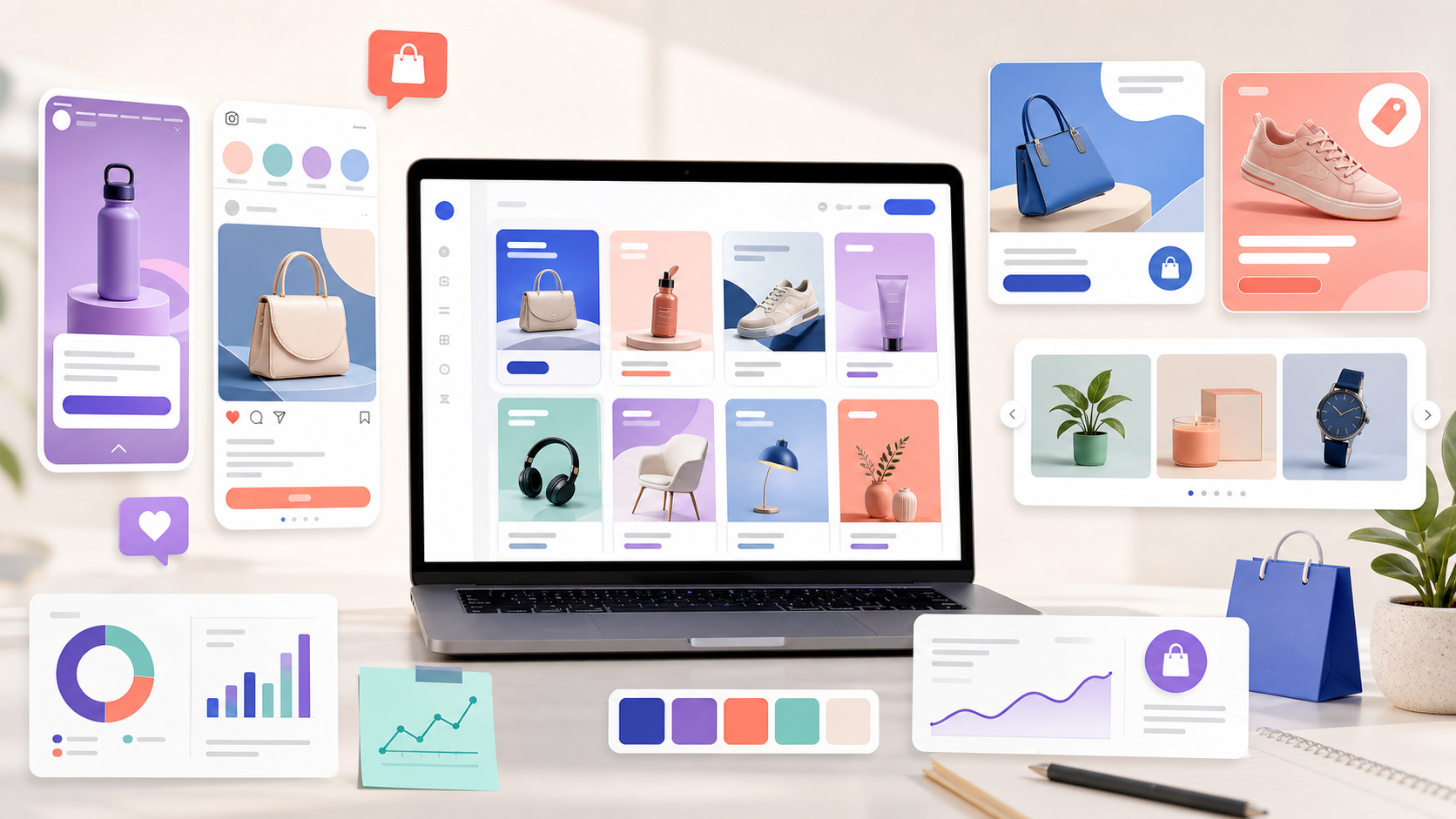
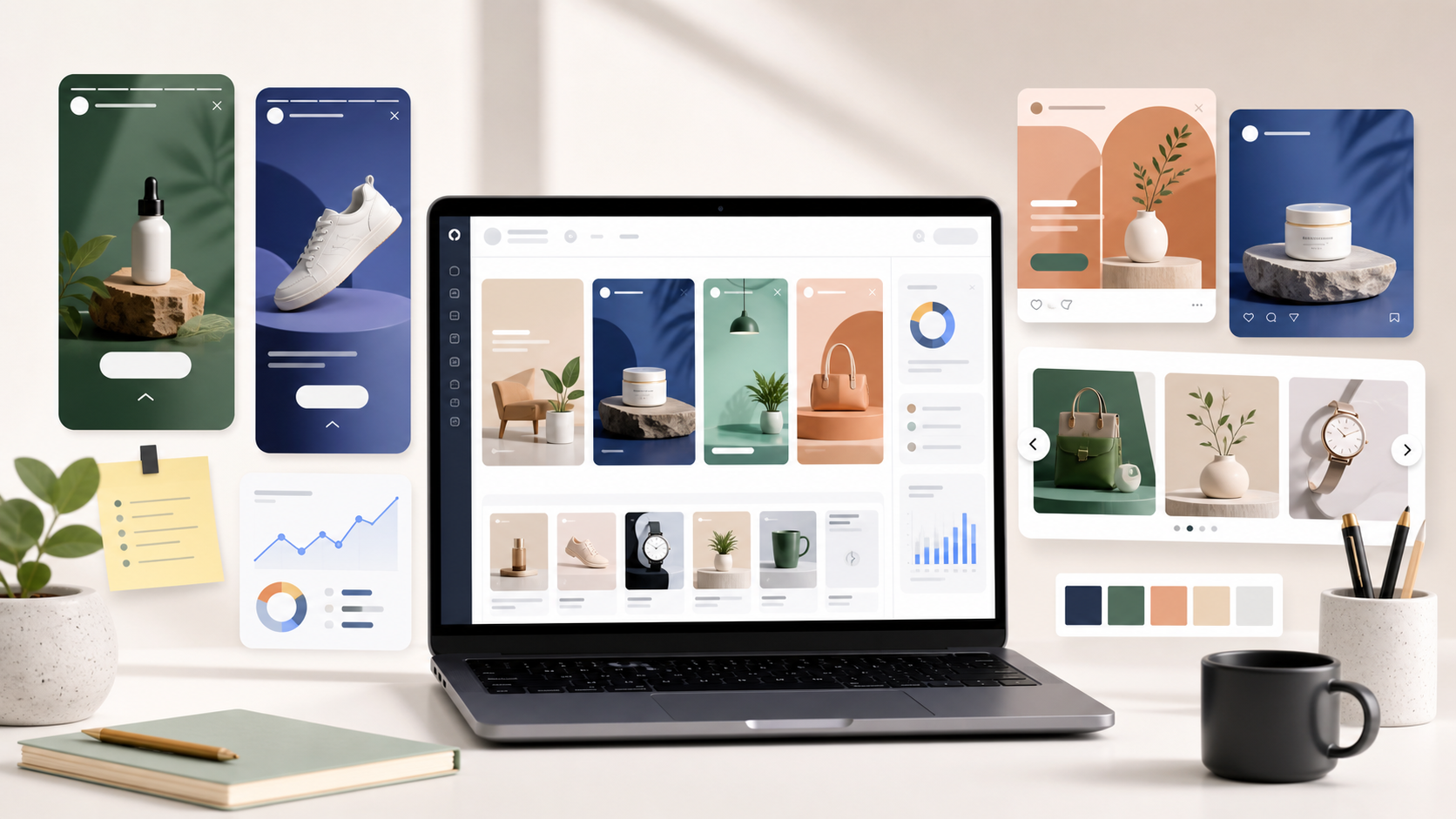
Instagram ad templates are pre-designed layouts made for Instagram placements such as feed ads, story ads, reels ads, carousel ads, and square product creatives. They give you a structure for the image, hook, benefit, offer, branding, and call to action.
Instead of designing every creative from scratch, you start with a layout and replace the placeholder elements with your own product images, copy, colors, fonts, and brand assets.
Templates are useful because Instagram is highly visual. Your ad needs to look clean, mobile-friendly, and easy to understand in seconds.
Instagram Ad Sizes and Placements
Before choosing a template, think about where the ad will appear. A square feed ad, vertical story ad, and reels ad do not behave the same way.
Instagram feed ad templates
Feed ads are commonly designed in square or vertical formats. They work well for product showcases, benefit-led creatives, social proof, offer announcements, and educational ads.
Best use: clear product visuals, simple value propositions, and creatives people can understand while scrolling.
Instagram story ad templates
Story ads use a vertical mobile format. They should be simple, bold, and easy to understand quickly. Avoid tiny text because viewers may only see the ad for a moment.
Best use: quick offers, launches, limited-time promotions, lead magnets, and retargeting.
Instagram reels ad templates
Reels ads are vertical and usually feel more native when they are fast, visual, and hook-driven. Templates can help you structure scenes, text overlays, and CTAs.
Best use: short demonstrations, product benefits, before-and-after ideas, founder-style content, and quick tutorials.
Instagram carousel ad templates
Carousel templates let you tell a story across multiple slides. They are great for explaining a process, showing product benefits, teaching a concept, or comparing options.
Best use: education, step-by-step content, multiple product benefits, and problem-solution storytelling.
Why Use Instagram Ad Templates?
Templates make Instagram advertising easier because they reduce the time between idea and launch. This matters when you need to test multiple creative angles.
You can test more hooks
One Instagram ad rarely tells you everything. The same offer can perform differently depending on the hook. Templates let you create several versions quickly, such as:
- a problem-focused hook
- a benefit-focused hook
- a product showcase hook
- a social proof hook
- a limited-time offer hook
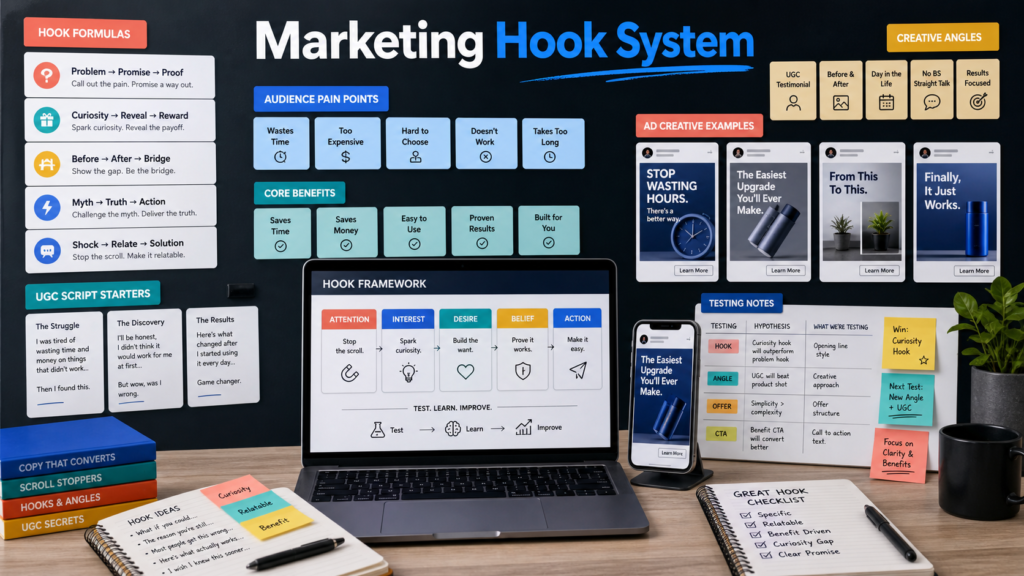
If you need stronger opening ideas, start with these ad hook templates.
You can keep your brand consistent
When your Instagram ads use consistent colors, spacing, typography, and visual style, your brand feels more recognizable. Templates make that consistency easier to maintain.
You can avoid design delays
Small teams often lose time waiting for designs. Templates help marketers, founders, and business owners create campaign assets faster without needing a designer for every variation.
You can connect ads to the full funnel
Instagram ads work better when the creative, landing page, and email follow-up feel aligned. That is why templates are even more useful when they are part of a bigger campaign system.
Instagram Ad Template Types to Test
Different templates work for different campaign goals. Here are the most useful formats to test.
Product showcase template
This layout puts the product, bundle, or service preview front and center. It works well when the audience already understands the category and needs to see what they get.
Use it for: ecommerce products, digital products, templates, courses, software, and bundle offers.
Problem-solution template
This format starts with a pain point, then presents your product as the easier way forward.
Example: “Still designing every ad from scratch?” followed by a template bundle preview and a CTA.
Benefit-stack template
This template highlights three to five key benefits. It is useful for offers that need a little explanation but still need to stay simple.
Use it for: marketing bundles, SaaS products, service packages, and digital downloads.
Before-and-after template
This format compares the old way with the better way. It works well when your product saves time, improves results, or removes frustration.
Social proof template
Social proof templates use reviews, ratings, customer quotes, or real results. They can be powerful for retargeting and warm audiences.
Important: only use real testimonials or proof you have permission to publish.
Carousel education template
Carousel templates are strong for educational content because each slide can make one point. You can explain mistakes, tips, frameworks, or steps while leading readers toward your product.
What a Good Instagram Ad Template Should Include
A good Instagram ad template is not crowded. It gives the viewer a clear path: notice the hook, understand the value, and know what to do next.
A strong first line
The first line should create curiosity or relevance. It should make the right person think, “This is for me.”
Readable mobile text
Instagram is mobile-first. If your text is too small, people will ignore it. Keep copy short and use strong contrast.
One main message
Do not overload the creative with every feature. One ad should communicate one idea. If you have five messages, create five variations.
Brand consistency
Use your colors, fonts, product imagery, logo, and visual style. The template should feel like your brand, not a stock design.
A clear CTA
Tell the viewer what to do next. Examples:
- Shop now
- Get the templates
- Download now
- See what is inside
- Start testing today
How to Customize Instagram Ad Templates in Canva
Canva is popular because it makes template editing simple. You do not need advanced design skills to create clean Instagram ad creatives.
Step 1: Choose the right placement
Start with the format you need: feed, story, reel, or carousel. Do not force a square design into a vertical story placement without adjusting the layout.
Step 2: Replace placeholder text with a real hook
Generic text makes ads easy to ignore. Replace placeholder lines with specific copy that speaks to your audience’s problem or desired result.
Weak: “Improve your marketing.”
Stronger: “Create 10 Instagram ad variations before lunch.”
Step 3: Add product visuals or mockups
Use real product photos, screenshots, bundle mockups, or lifestyle images. This makes the ad more concrete and believable.
Step 4: Apply your brand kit
Update colors, fonts, icons, and logo placement. Keep the template’s structure, but make it look like it belongs to your brand.
Step 5: Export multiple variations
Turn one template into several ads by changing the hook, image, or CTA. This helps you test more ideas without redesigning everything.
For a Facebook-specific Canva walkthrough, read how to use Canva for Facebook ad templates. The same editing logic applies to Instagram creatives.
Instagram Ad Testing Tips
Templates become more valuable when you use them for testing, not just design.
Start with one offer
Keep the offer consistent and test different creative angles around it. This makes the results easier to understand.
Create three to five variations
Use different hooks, visuals, or layouts. For example:
- Variation 1: problem-solution
- Variation 2: product showcase
- Variation 3: benefit stack
- Variation 4: social proof
- Variation 5: limited-time offer
Check the full journey
Do not judge the ad only by likes or clicks. Look at landing page visits, leads, purchases, cost per result, and conversion rate.
If people click but do not convert, the landing page may need work. Use this guide on landing page optimization.
Build from winning angles
When one creative performs better, create more versions around the same idea. Change the format, image, or layout while keeping the winning message.
Where AdCreativeKit Helps
AdCreativeKit gives marketers and business owners editable ad templates, email templates, landing page designs, ad hooks, and AI copywriting resources in one digital marketing bundle.
If you are building Instagram campaigns, you can use the templates to create feed ads, story-style creatives, carousel ideas, and product showcase variations faster.
Start with the full ad templates guide, then use the Instagram-focused ideas in this article to create more campaign variations.
Want to launch more creative tests without starting from scratch? Explore the AdCreativeKit digital marketing bundle.
FAQ
What are Instagram ad templates?
Instagram ad templates are pre-designed layouts for Instagram feed, story, reels, or carousel ads. They help you create campaign creatives faster by giving you a structure for visuals, hooks, benefits, and CTAs.
Can I edit Instagram ad templates in Canva?
Yes. Many Instagram ad templates are editable in Canva, which makes it easy to change colors, fonts, copy, images, and branding without advanced design skills.
What size should Instagram ad templates be?
The best size depends on placement. Feed ads often use square or vertical formats, while stories and reels use vertical mobile-first formats. Choose templates based on the placement you plan to run.
Are Instagram ad templates good for ecommerce?
Yes. Ecommerce brands can use Instagram ad templates for product showcases, promotions, social proof, educational carousels, and retargeting creatives.
How many Instagram ad variations should I test?
Start with three to five variations for one offer. Test different hooks, visuals, or layouts while keeping the campaign goal consistent.
Do Instagram ad templates guarantee better results?
No template can guarantee results. Templates help you create polished ads and test faster, but performance still depends on your offer, audience, hook, landing page, and campaign setup.