Brand Kit Templates for Small Business: Build a Usable System
A small-business brand kit is not a decorative board of colors, fonts, and logos. It is a compact operating system for recurring customer communication. Its value appears when a team member builds an ad, sends a proposal, publishes a social post, updates packaging, or hires a freelancer and can make sound decisions without asking the founder to approve every detail.
Quick answer: Map the touchpoints the business repeats, build the smallest set of rules and assets that supports them, document how logos, colors, typography, voice, and imagery behave, create high-frequency templates, govern the master files, and stress-test the system in actual customer contexts before rollout.
Decide What Your Small-Business Brand Kit Must Do
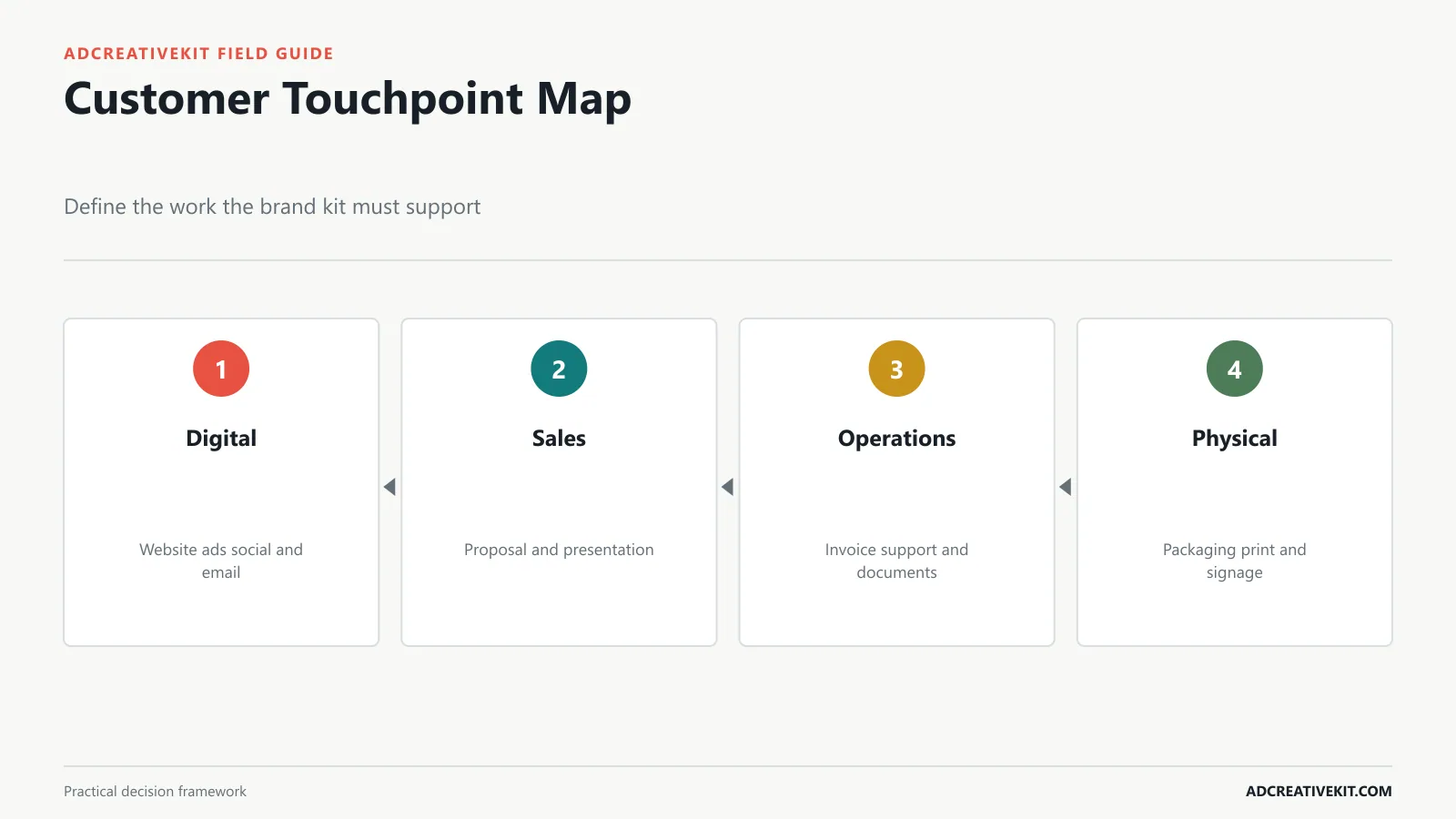
List every place customers encounter the business: website, ads, social media, email, marketplace listings, packaging, storefront, signage, proposals, invoices, presentations, events, and support. Then record frequency, customer impact, current inconsistency, production pain, owner, and format.
| Touchpoint | Frequency | Decision the kit must support | Likely asset |
|---|---|---|---|
| Website | Continuous | Type hierarchy, color roles, imagery, buttons | UI and content rules |
| Paid ads | Weekly | Recognition across varied concepts | Ad layout families |
| Social | Frequent | Consistent voice and flexible formats | Post and story templates |
| Regular | Header, product, CTA, and tone | Email modules | |
| Proposal | Per lead | Professional hierarchy and proof | Document template |
| Packaging | Operational | Logo, color, legal, and print accuracy | Production files and rules |
Define success behaviorally: a contractor can find the approved logo; an employee knows which color is used for actions; a social post sounds like the business; and an ad can vary its concept without becoming unrecognizable. This prevents the kit from expanding into assets nobody uses.
Build the Minimum Viable Brand Kit
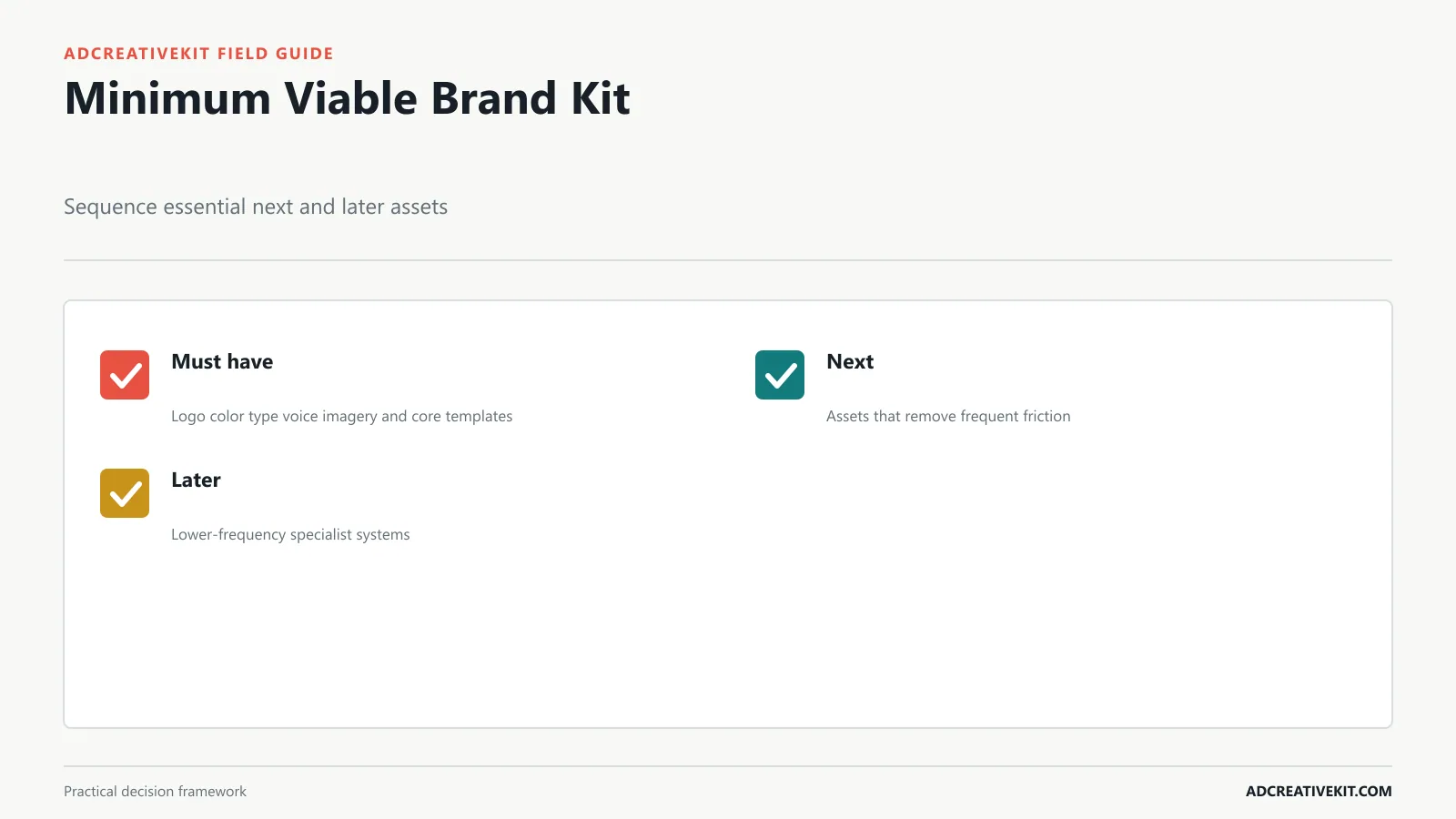
The minimum viable kit includes a usable logo suite, core color roles, a type hierarchy, a short voice guide, image direction, and templates for the most repeated high-impact tasks. Add contact information, approved business description, key product language, and file locations when they reduce recurring errors.
Separate must have, next, and later. Must-have assets unblock daily work. Next assets solve frequent friction, such as email modules or proposal pages. Later assets serve lower-frequency needs such as event booths or complex motion rules. A small team rarely needs an encyclopedic manual on day one.
Include examples, not only labels. “Friendly and professional” is difficult to apply. A before-and-after headline, customer-response example, and approved CTA show what the phrase means. Likewise, a palette becomes useful when colors have roles such as page background, body text, action, highlight, success, and warning.
Create a Practical Logo System
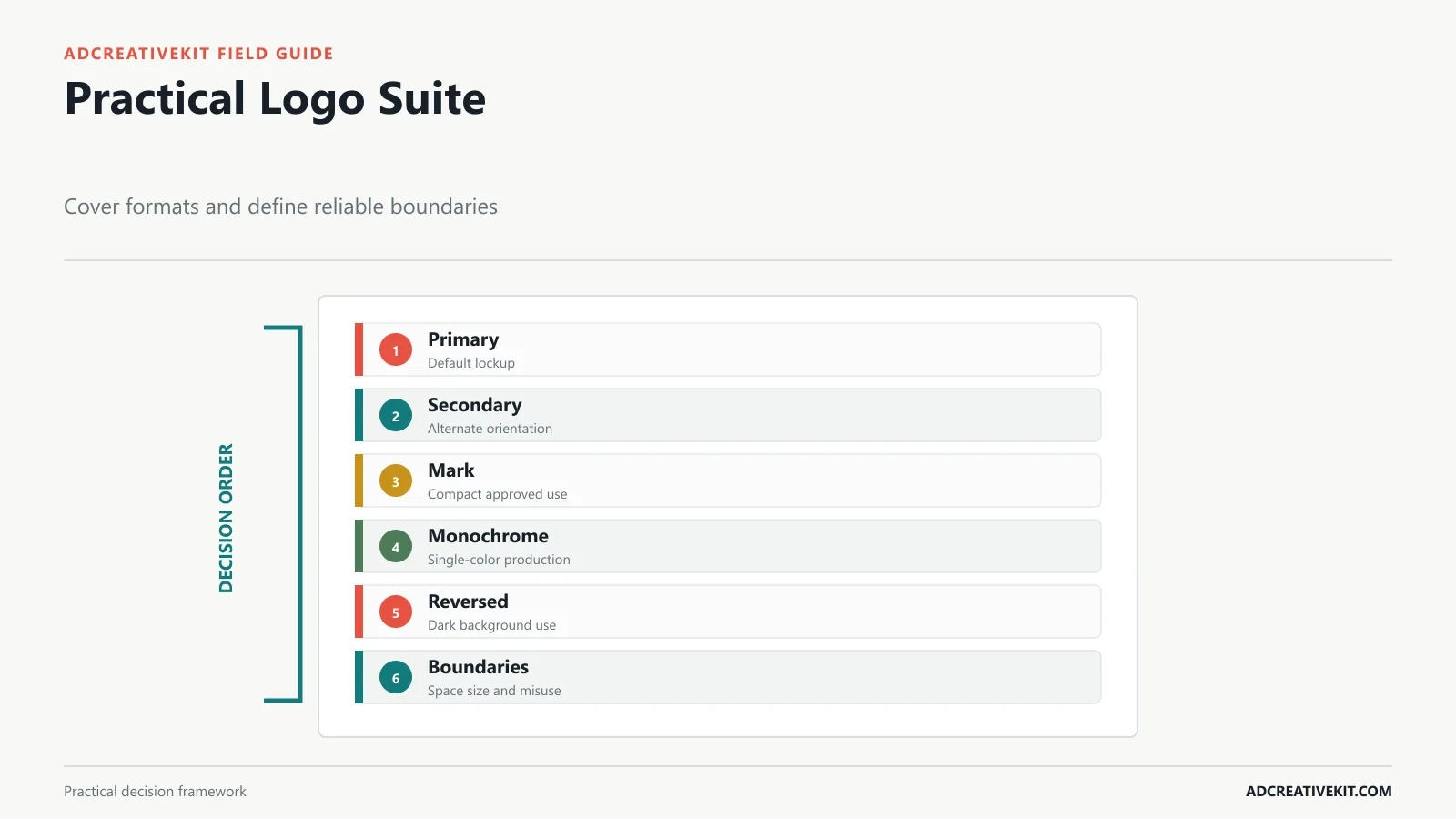
Provide a primary lockup, secondary orientation, compact mark where justified, monochrome version, reversed version, and favicon or app icon. Export vector masters for production and practical PNG or WebP versions for common digital use. Name files by variant, color, and format rather than “logo final.”
Document clear space, minimum size, approved backgrounds, and alignment. Show a small set of high-risk misuses: stretching, rotating, recoloring outside the system, adding effects, placing on insufficient contrast, changing the relationship between mark and wordmark, or using the compact mark where the brand is not yet recognizable.
Before finalizing a name or mark, search relevant trademark records and obtain appropriate legal advice for important decisions. The USPTO trademark basics explain the role of trademarks and the federal process in the United States. A template does not establish clearance or registration.
Choose Accessible Colors and Typography
Define primary, secondary, neutral, background, text, action, highlight, success, and warning roles only when the business needs them. Record color values for digital and relevant print workflows. More importantly, document approved foreground and background pairs. A color can belong to the palette and still be unsuitable for small text on another brand color.
Create a compact type system: display or headline, subheading, body, label, caption, and numeric or data treatment if needed. Specify font weights, line height, casing, and minimum practical sizes. Include fallback fonts for email, documents, and systems that cannot load the preferred family. Avoid relying on thin weights or tightly packed all-caps for long text.
W3C’s accessibility principles describe perceivable and understandable content, while its designing tips provide practical guidance on contrast, resizable text, spacing, labels, and more than color alone. Treat those checks as part of brand quality rather than a technical appendix.
Define Voice, Imagery, and Graphic Rules
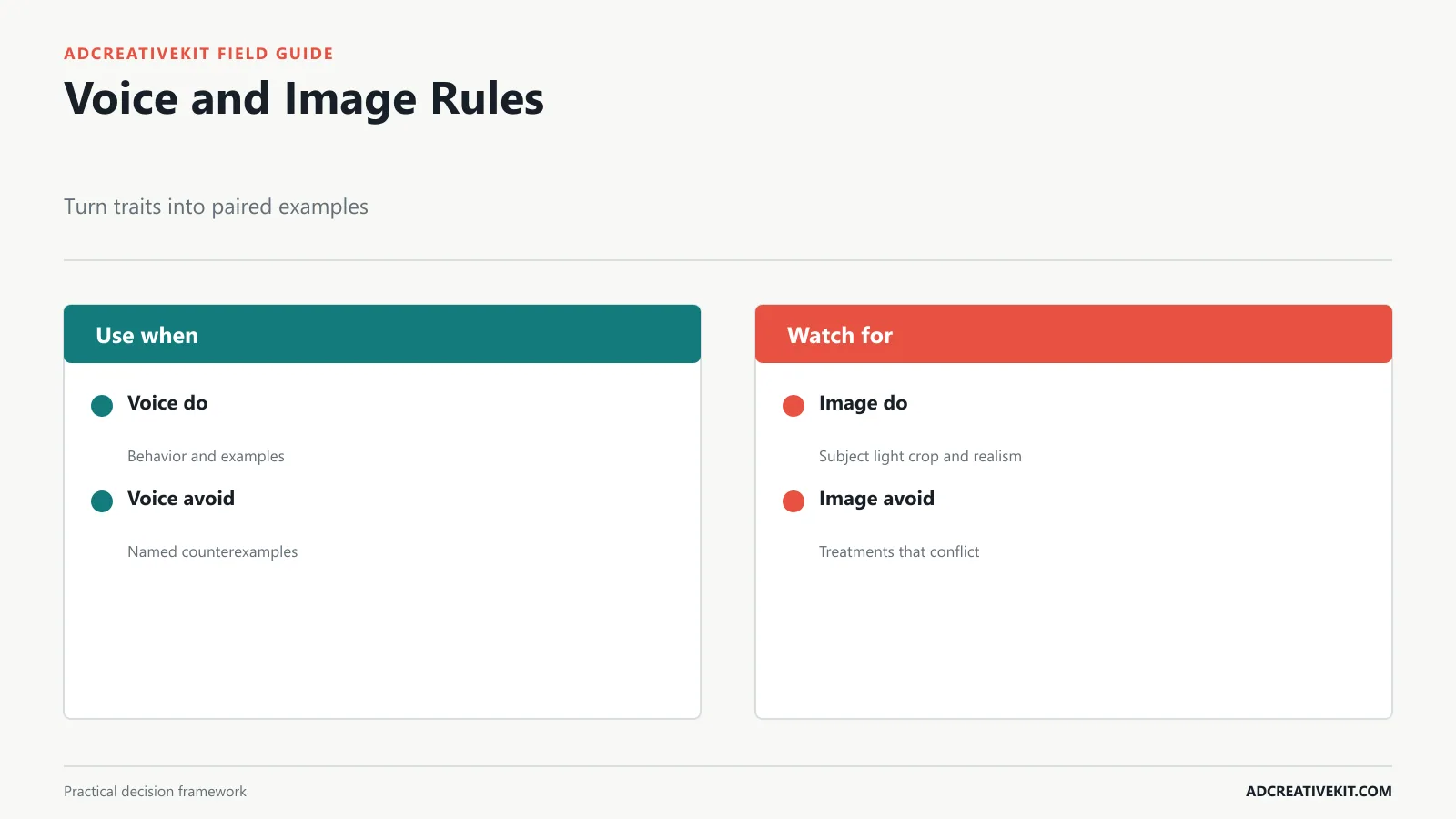
Choose three useful voice traits and define each through behavior. “Direct” might mean leading with the answer, using concrete verbs, and removing inflated claims. “Warm” might mean acknowledging the customer’s context without forced humor. “Expert” might mean explaining tradeoffs and citing sources rather than sounding formal.
For each trait, show “sounds like” and “does not sound like” examples across a headline, product description, CTA, support response, and promotion. Add rules for capitalization, punctuation, terminology, claims, inclusive language, and words the business avoids.
Define photography by subject, setting, lighting, crop, color treatment, realism, diversity, props, and retouching. Define illustration and icon behavior if used. Define graphic rules for shapes, borders, texture, data displays, and spacing. A mood board without selection rules leaves creators to imitate surface style. W3C’s image tutorial helps teams distinguish informative, functional, and decorative images.
Create the Templates the Business Repeats
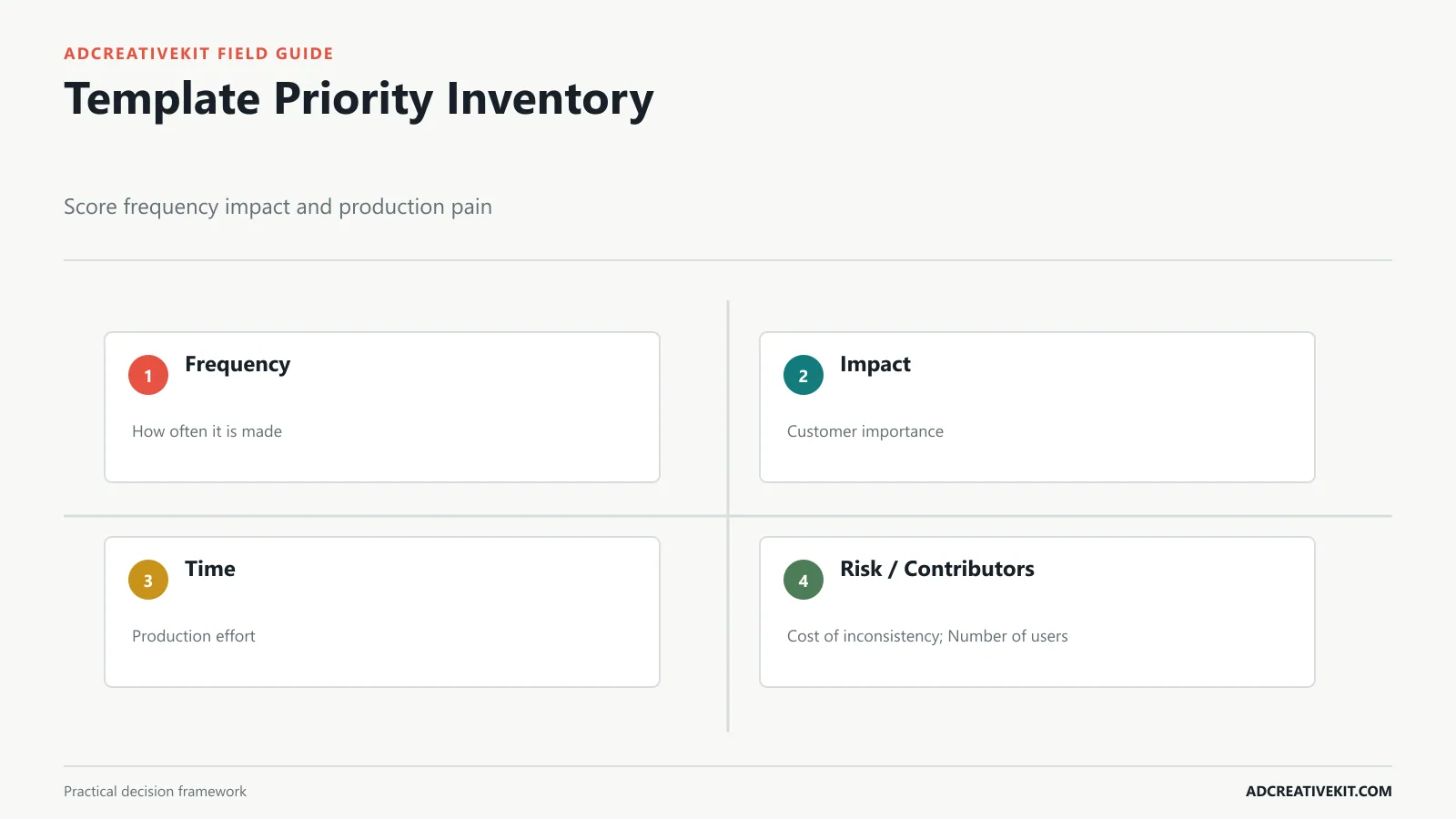
Score candidate templates by frequency, customer impact, production time, error risk, and number of contributors. A weekly ad or proposal may deserve a system before an annual event poster. Common small-business priorities include social posts, feed and story ads, email headers and product modules, proposals, presentations, invoices, review requests, flyers, and signage.
Build layout families, not one locked design. An ad system might include product hero, benefit, proof, comparison, offer, and testimonial structures that share brand rules. A proposal might include cover, problem, scope, timeline, proof, price, and next-step pages. Lock stable elements where the tool allows, provide editable content zones, and include one completed example.
Document when not to use a template. A dense comparison structure should not become the default for a simple announcement. The small-business marketing template guide helps prioritize campaign assets, and the Canva ad template workflow explains message-first editing and controlled variants.
Organize, Govern, and Share Brand Assets
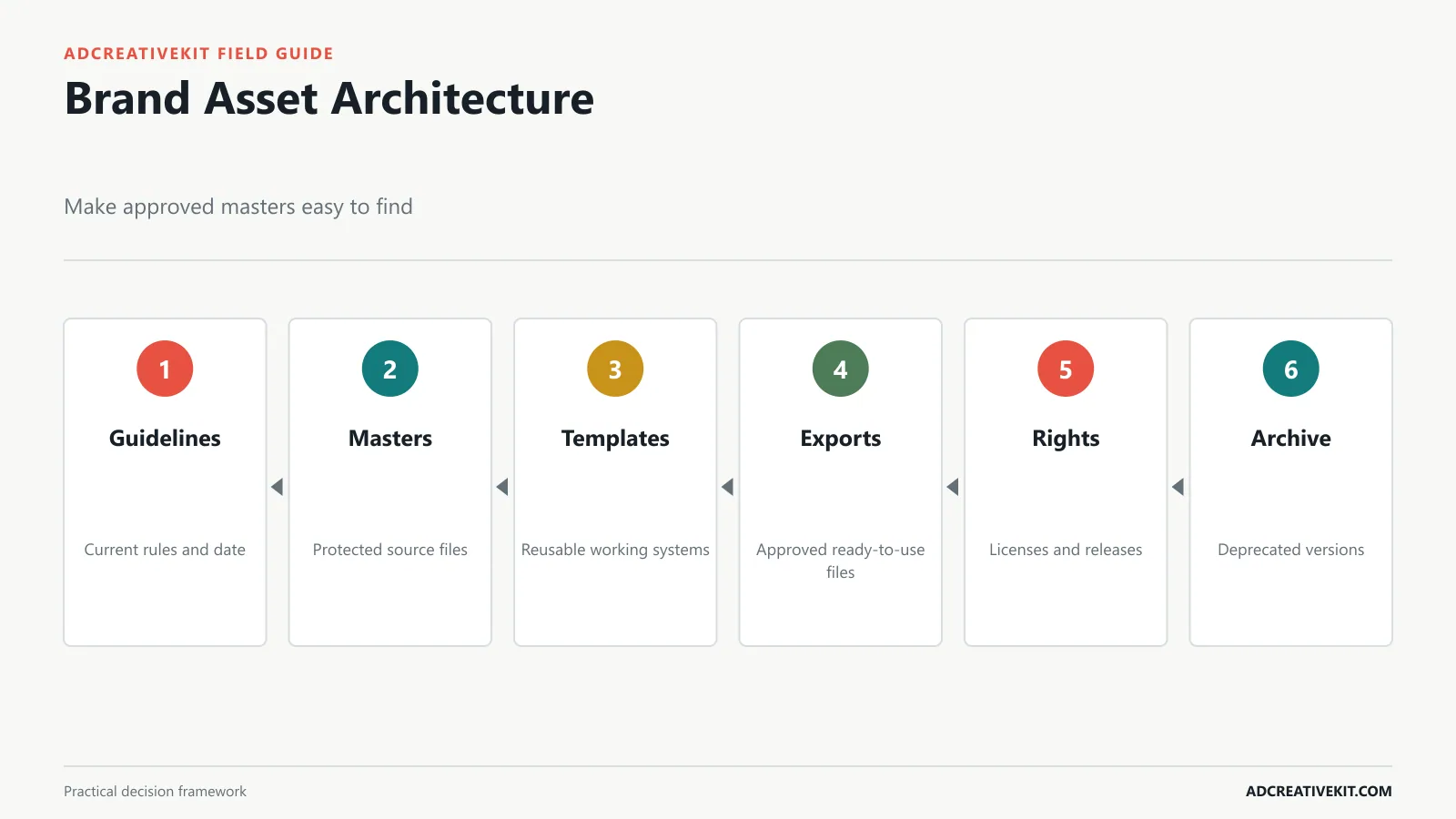
Create a clear architecture: brand guidelines, logo masters, fonts and licenses, color and type references, photography, graphics, templates, approved exports, and archive. Separate editable masters from copies and exports. Use filenames that communicate asset, variant, channel, and version.
Assign an owner for each system and define who can edit masters, approve changes, and publish exports. Record font, stock, photography, talent, and third-party usage rights. Maintain a change log for decisions that affect the team. Archive deprecated files and remove them from default shared folders so convenience does not revive an old logo.
Keep distribution practical. Employees may need a lightweight reference and common downloads; designers may need source files and production specifications; partners may need a curated package. Review the kit on a schedule and after major product, market, or identity changes.
Stress-Test the Brand Kit Before Rollout
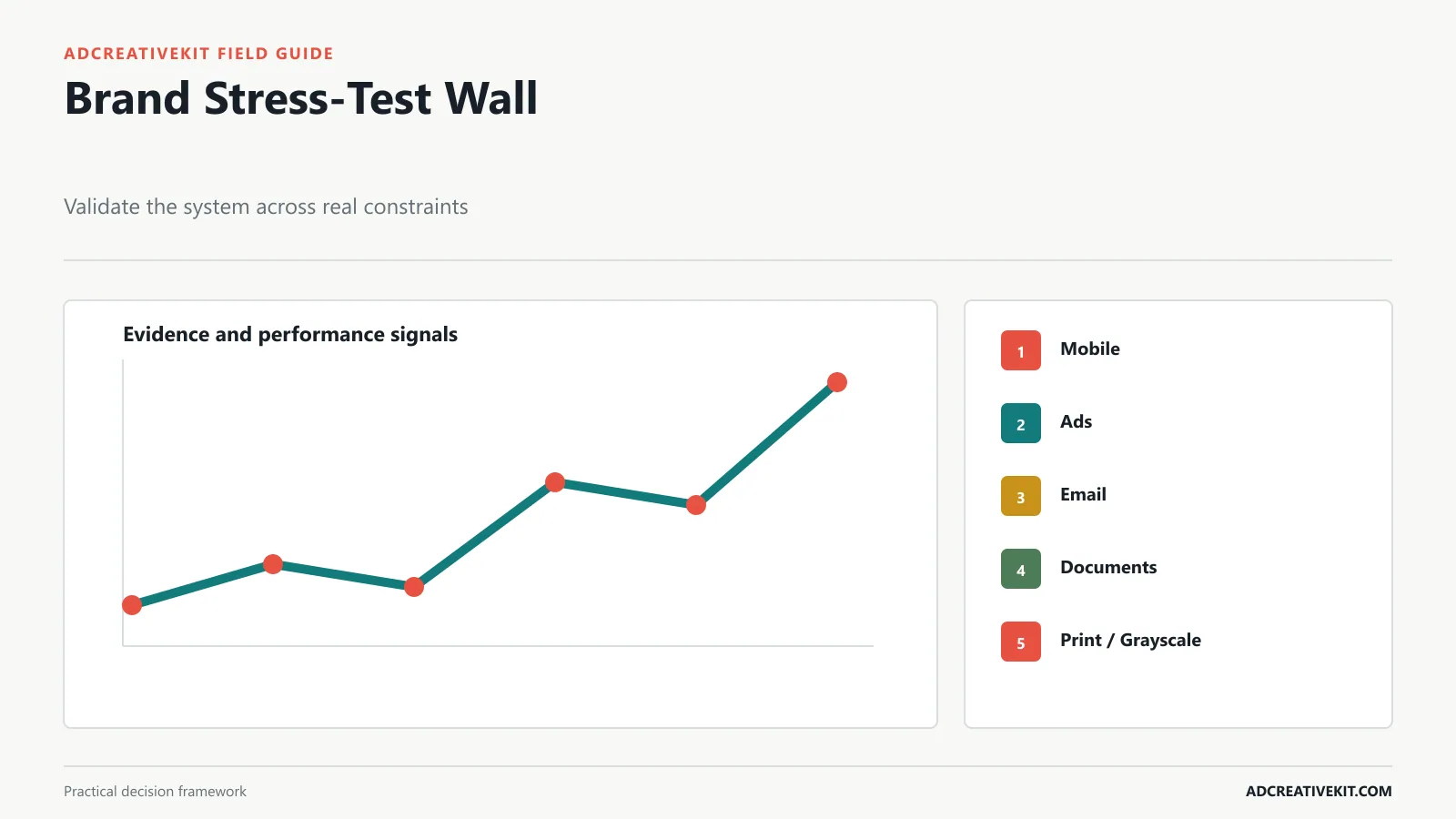
Apply the kit to a mobile homepage, paid ad, social post, email, proposal, invoice, package or print item, and a customer-support message. Include a long headline, very short CTA, image-heavy layout, text-only context, dark background, grayscale output, and small format. These cases expose weak rules more quickly than a polished presentation board.
Check recognition, readability, contrast, hierarchy, file availability, editing speed, and whether two different people can produce work that feels related without being identical. Ask reviewers to name where the rule failed, not simply whether they like the design.
Revise the system, templates, and examples from the test. A successful rollout includes a brief orientation, owner, source location, version date, and feedback route. The kit should evolve when recurring exceptions reveal a missing decision, not whenever someone prefers a new trend.
Worked example: a local service brand
A home-cleaning company uses its website, search ads, social posts, quote documents, uniforms, vehicles, invoices, and follow-up email. The minimum kit prioritizes a horizontal logo and compact mark, high-contrast color roles, a readable system-font fallback, a direct and reassuring voice, real-team photography, quote and invoice documents, and ad and social families.
The stress test reveals that the accent color fails for small button text, the compact mark is unrecognizable in a cold ad, and long service names break the social template. The team changes the approved color pairing, reserves the mark for contexts where the name appears nearby, and creates a responsive title rule. The kit improves because real work exposed specific weaknesses.
Measure whether the brand kit is working
Brand consistency is not only a visual score. Track how long common assets take to produce, how often people ask for files or approvals, how many corrections involve logo, color, tone, claims, or outdated versions, and whether contractors can deliver an acceptable first draft. These operational signals show whether the kit is usable.
Sample customer-facing work each quarter across channels. Review recognition, readability, message consistency, accessibility, and whether templates still fit current products and audiences. Do not demand identical composition; a healthy system creates family resemblance while allowing the communication job to change.
Manage exceptions without losing the system
Collect exceptions. If teams repeatedly break a rule to solve the same legitimate problem, the rule or asset may be incomplete. Add a tested example, create a missing variant, or simplify the guidance. If an exception reflects taste rather than need, preserve the existing rule.
Record who approved the exception, why it was necessary, and whether it should become a permanent option. Governance works when it makes deliberate evolution possible without turning every request into a rebrand.
Decision rules for adding a brand asset
Add a rule or template when a recurring task causes inconsistent customer experience, repeated approval work, production delay, accessibility failure, or legal and licensing risk. Do not add one merely because another brand manual contains it. Every asset needs an owner, source location, intended users, supported formats, and review date.
When choosing between strict consistency and channel fit, preserve the brand principle while adapting the execution. The same voice can become shorter in an ad and more explanatory in a proposal. The same color roles can use different proportions in print and digital. A robust kit defines what must remain stable and what can flex, which is more useful than demanding identical layouts everywhere.
Frequently asked questions
What should a small-business brand kit include?
At minimum: logo variants, color roles, type hierarchy, voice guidance, image direction, high-frequency templates, file locations, and ownership.
Is a brand kit the same as brand guidelines?
A kit usually contains the practical assets and concise rules needed for work. Guidelines may explain the strategy and system more deeply. A small business can combine both in one usable resource.
Can a brand kit be built in Canva?
Yes, Canva can support shared assets and templates. Keep vector masters, licenses, approved exports, and governance outside any single design tool when appropriate.
How often should the kit be updated?
Review it periodically and when the business changes materially. Update it when real work reveals a recurring gap, then communicate and archive versions.
Once the brand rules are stable, the next step is applying them to a repeatable library of campaign, content, email, and sales assets.