Marketing Templates for Small Business: A Practical Guide to Faster Campaigns
Marketing Templates For Small Business are most useful when they work like a practical operating system, not a folder of pretty files. A small team needs repeatable campaign structures, clear copy prompts, reusable layouts, and enough flexibility to promote different offers without starting from a blank screen every week.
This guide explains what to include, how to choose the right template structure, where mistakes usually happen, and how to connect the article topic naturally with AdCreativeKit when you need editable design assets.
What marketing templates for small business should actually include
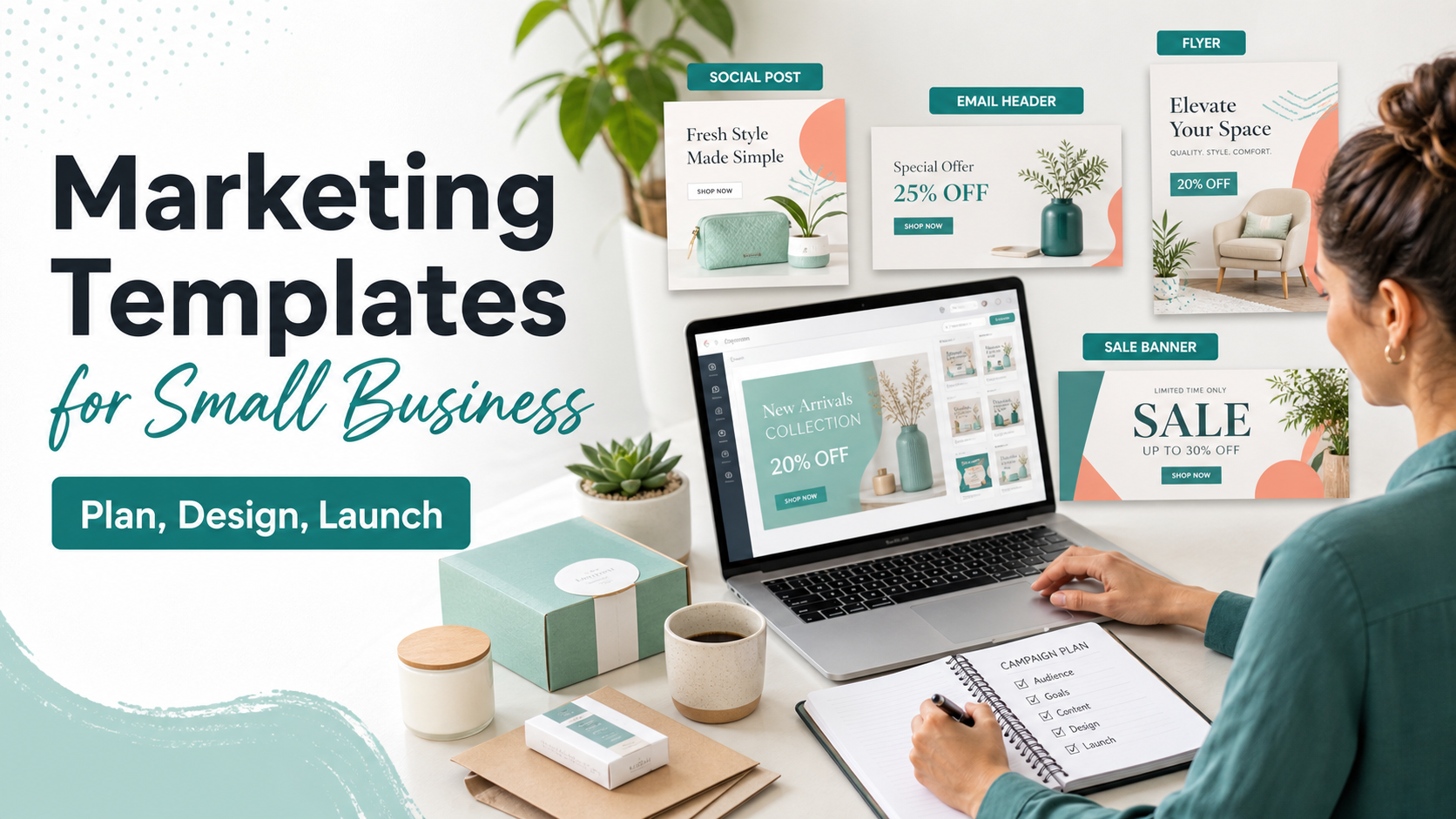
A useful template library should cover both planning and production. Design files alone can save time, but the bigger benefit comes when your brief, offer, channel, copy, and creative layout all point in the same direction.
| Template type | Best use | What to customize |
|---|---|---|
| Campaign brief | Clarify the offer, audience, deadline, and objective | Audience pain point, product angle, CTA |
| Social post | Keep weekly content consistent | Hook, image, caption, proof |
| Ad creative | Test different angles without rebuilding layouts | Headline, visual, benefit, CTA |
| Promotion banner | Make a sale or seasonal offer obvious | Discount, condition, expiry, product focus |
| Email or landing section | Carry the same campaign message into owned channels | Subject, offer details, supporting proof |
How to use templates without making your brand look generic
Start by replacing the surface details, then edit the strategic details. Many businesses change colors and logos but leave generic copy, vague CTAs, and stock-like imagery untouched. The result looks customized at a glance but still feels interchangeable.
- Rewrite the hook so it names the audience or problem.
- Replace default product imagery with your actual product, screen, service, or result.
- Remove any decorative element that competes with the offer.
- Create two or three headline variations before publishing.
- Check mobile readability before exporting.
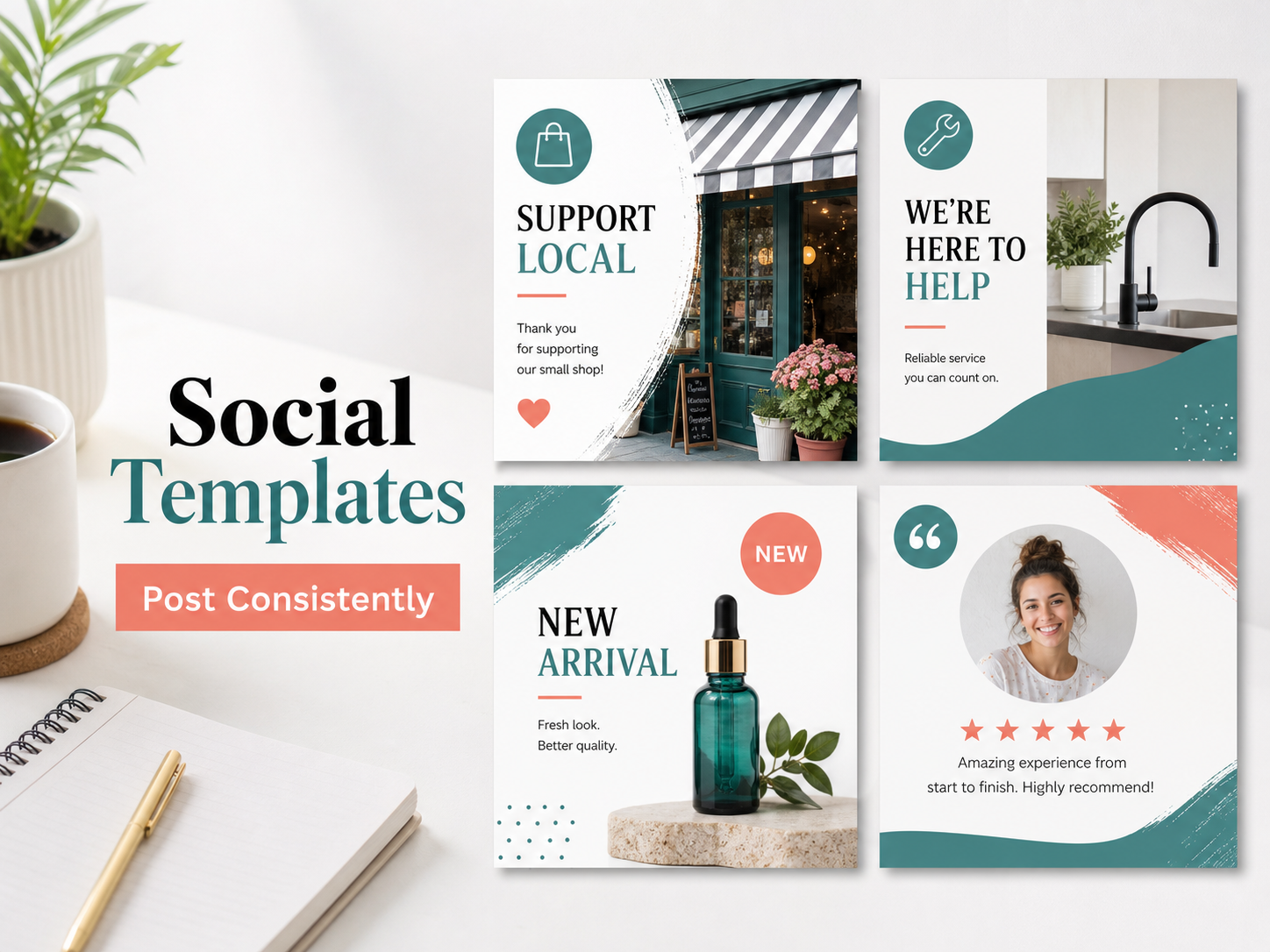
A practical campaign workflow you can repeat
A simple workflow keeps marketing templates for small business useful for busy teams: brief the campaign, choose the channel, select the layout, write the first draft, create variations, review the message, and publish. If you also run ecommerce campaigns, the related ecommerce marketing templates guide gives a channel-by-channel view.
Examples you can adapt for real promotions
| Goal | Weak message | Stronger template direction |
|---|---|---|
| Promote a discount | Big sale now | Save 20% on starter kits this weekend. Shop before Sunday. |
| Book a service | We can help | Book a 30-minute consultation and leave with a launch checklist. |
| Announce a product | New item available | Meet the new layout pack built for faster campaign production. |
Mistakes that make templates less useful
- Keeping placeholder copy that does not match your audience.
- Using one design for every channel without checking crop or text size.
- Adding too many messages to a single asset.
- Choosing templates by style only instead of campaign purpose.
- Forgetting to update alt text and captions when images change.
How to Use AdCreativeKit in This Workflow into the workflow
AdCreativeKit is best positioned as the creative-production layer of the workflow. Use it when you need editable layouts for ads, promotions, banners, and recurring campaign visuals. It pairs naturally with planning content such as digital marketing templates and channel-specific assets like social media post templates for business or promotional templates.
How to choose a template pack before you buy
The safest way to choose a marketing template pack is to judge it by campaign usefulness, not preview aesthetics. A beautiful template can still be hard to use if it has no clear place for the offer, if the headline area is too small, or if every layout depends on a stock image that does not match your business.
- Look for layouts that support real offers, not only inspirational quotes.
- Check whether the text areas can handle your longest likely headline.
- Confirm that the design can be adapted for multiple channels.
- Make sure the files are editable in the tools your team actually uses.
- Review the license before using templates for client or commercial work.
For small businesses, the biggest practical win is consistency. A good pack should help you create a launch post, a promotional banner, a simple ad, and a follow-up graphic that look related without being identical. That consistency makes campaigns easier to recognize and easier to manage.
Mini workflow: one offer, five useful assets
Start with one specific offer, such as a weekend discount, a new service, or a product bundle. Write the core message in one sentence. Then turn that message into five assets: a website banner, a social post, an ad variation, an email header, and a follow-up reminder.
| Asset | Main job | Copy prompt |
|---|---|---|
| Website banner | Announce the offer quickly | What is the offer and when does it end? |
| Social post | Create interest and context | Why should someone care now? |
| Ad creative | Get attention from a cold or warm audience | What problem or desire does the offer answer? |
| Email header | Support the subject line | What should the reader notice first? |
| Reminder | Bring back urgency carefully | What changes if the reader waits? |
How to brief a designer, VA, or team member using templates
Templates save the most time when the handoff is clear. Give the person editing the asset the campaign goal, the audience, the exact offer, the required sizes, the final URL, brand assets, and examples of past campaigns that should or should not be repeated. A short brief reduces revision loops because the editor is not guessing which parts of the template are flexible and which parts must stay consistent.
Use a naming system for final exports: campaign, channel, size, version, and date. This makes it easier to reuse the best asset later and keeps old drafts from being uploaded by mistake. Small businesses often lose time not because they lack templates, but because they cannot find the right version when a campaign is moving quickly.
FAQ
What are marketing templates for small business?
Marketing Templates For Small Business are reusable layouts, briefs, copy structures, or campaign assets that help you create marketing material faster while keeping the message organized. The best templates still need your audience, offer, brand style, and final review.
Are marketing templates for small business worth buying?
They can be worth buying if they save production time, match your campaign goals, and are flexible enough to edit. Avoid packs that only look attractive in previews but do not provide useful structures for real offers, proof, CTAs, and channel requirements.
Can I use the same template on every platform?
Usually not without adjustment. Different channels crop images differently, use different dimensions, and reward different reading behavior. Use the template as a starting point, then check placement previews, mobile readability, file type, and any current platform requirements.
How do I avoid making templates look generic?
Replace more than colors and logos. Rewrite the hook, use real product or brand imagery, remove unnecessary decoration, choose a specific CTA, and create a few variations for different audiences or offers.
Conclusion
The best marketing templates for small business make campaign work clearer, faster, and easier to repeat. Use them as structured starting points, keep the message specific, check current platform requirements, and connect each asset to a real campaign goal before publishing.