Ecommerce Marketing Templates: Campaign Assets for Launches, Sales, and Retargeting
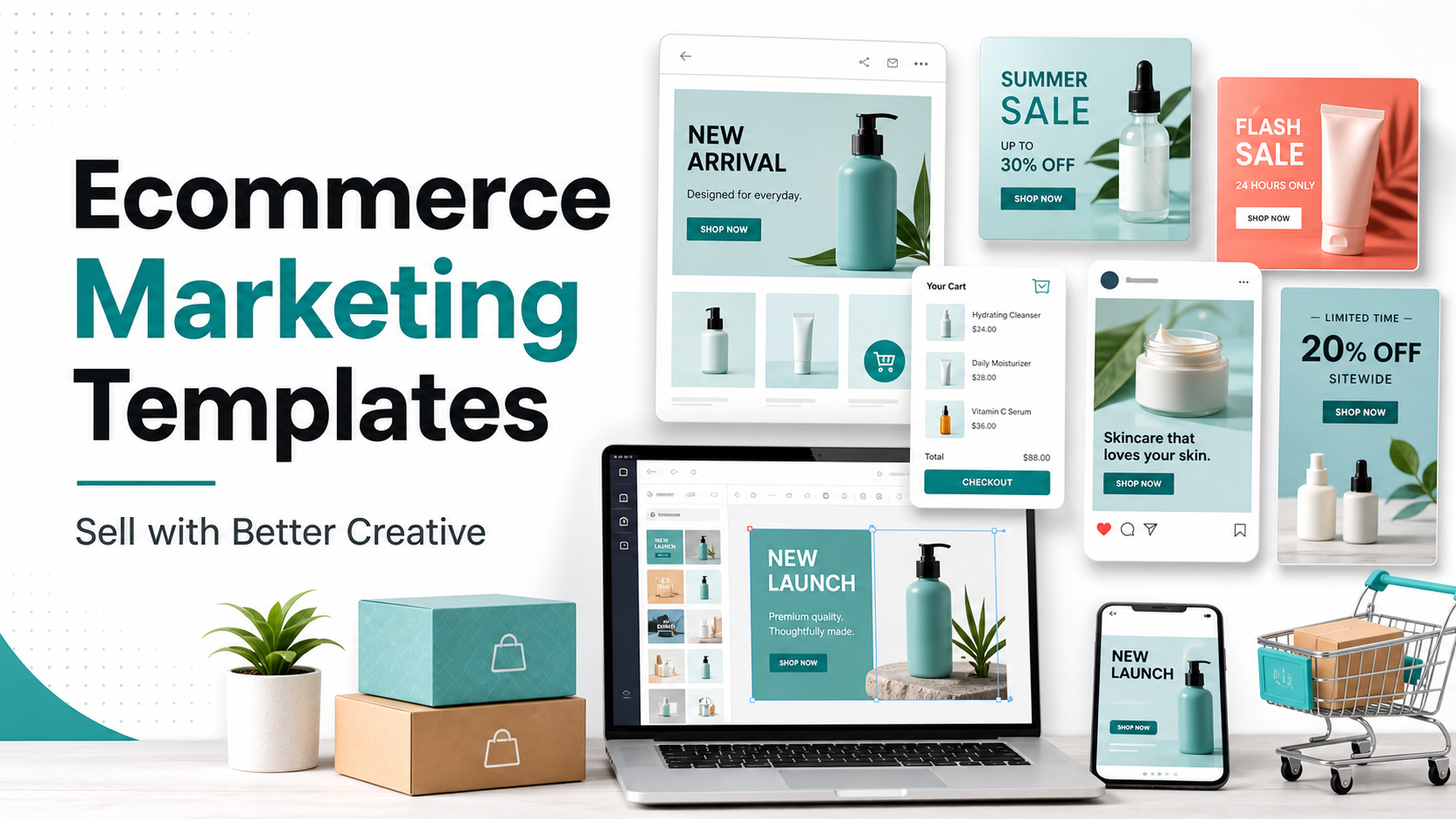
Ecommerce Marketing Templates are useful because ecommerce campaigns move quickly. A store may need a product announcement, a sale banner, a retargeting ad, a cart reminder, and a customer-proof post in the same week.
This guide explains what to include, how to choose the right template structure, where mistakes usually happen, and how to connect the article topic naturally with AdCreativeKit when you need editable design assets.
Map templates to the ecommerce customer journey
Ecommerce marketing is not one asset. It is a sequence: discovery, product education, comparison, offer, checkout reminder, customer proof, and repeat purchase. Each stage needs a different message and sometimes a different visual structure.
| Journey stage | Template to prepare | Main message |
|---|---|---|
| Discovery | Product benefit ad | Why this product matters |
| Consideration | Feature or comparison post | What makes it useful |
| Purchase | Offer banner or product card | What to buy now |
| Recovery | Cart or retargeting creative | Why come back |
| Loyalty | Review or bundle promo | What to try next |
Campaign assets worth preparing before you need them
Prepare product launch assets, sale banners, retargeting visuals, review posts, bundle promos, and email graphics. The related product launch templates guide covers the launch side, while sale banner templates focuses on clear discount and ecommerce offer layouts.
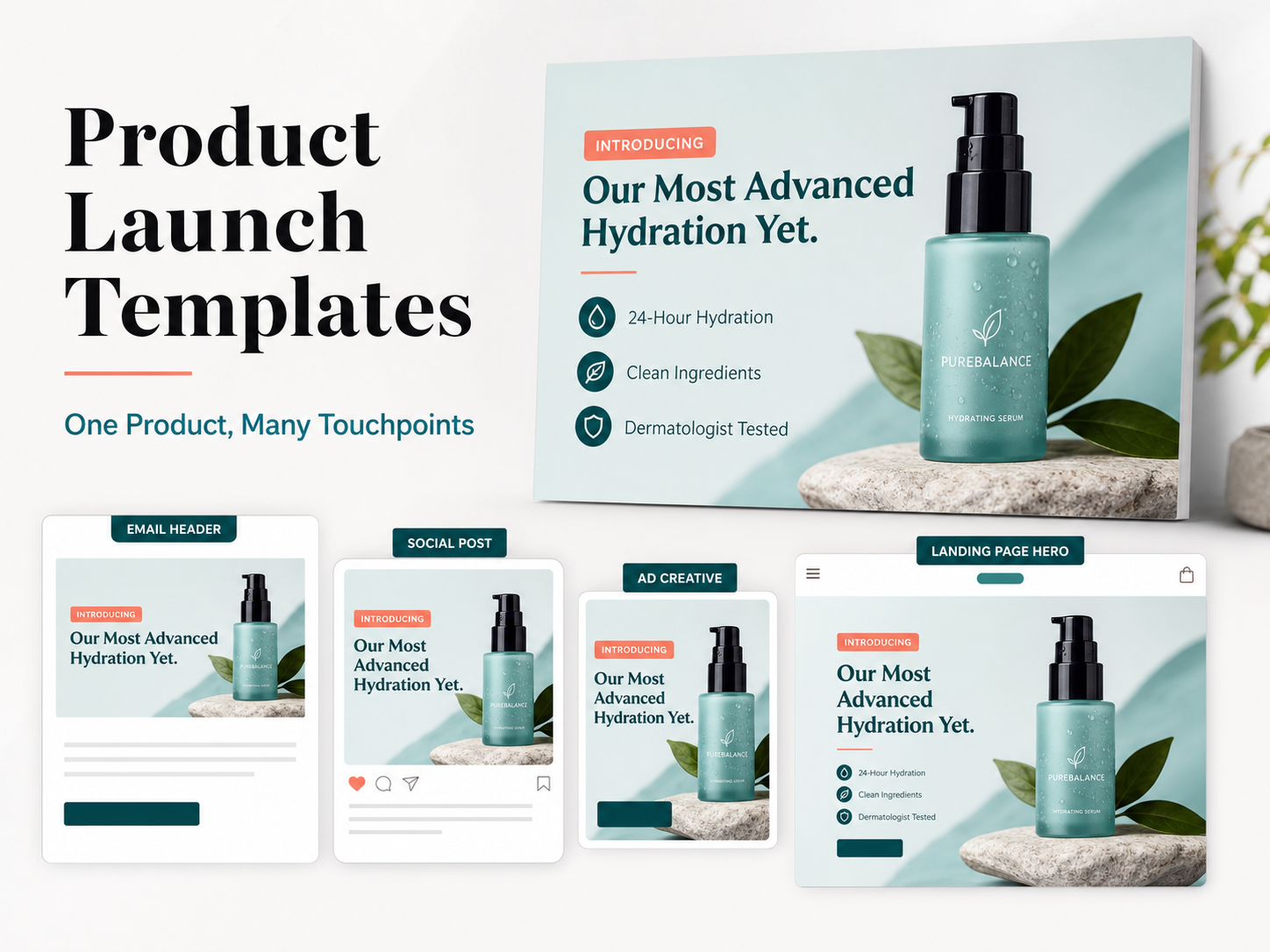
Ecommerce marketing examples by campaign type
| Campaign | Template direction | Testing idea |
|---|---|---|
| New product | Hero product image plus one clear benefit | Test benefit-first vs feature-first headline |
| Seasonal sale | Discount, deadline, product category | Test percent-off vs bundle value |
| Retargeting | Proof quote plus product image | Test review vs objection-handling copy |
| Bundle | Show what is included | Test bundle naming and CTA |
What to test before scaling a campaign
Test the hook, product image, offer framing, CTA, and proof element. Google publishes official guidance for uploaded display ads and image requirements in its Google Ads uploaded display ad specifications, which is worth checking before exporting ad creative.
Ecommerce template mistakes that create confusion
- Showing too many products in one small banner.
- Hiding the discount condition in tiny text.
- Using lifestyle imagery when the product itself needs to be inspected.
- Forgetting mobile cropping.
- Making every retargeting asset repeat the same offer.
Using AdCreativeKit for ecommerce campaign production
AdCreativeKit is useful when ecommerce teams need editable promotional assets, product-focused ad layouts, and campaign visuals that can be adapted across offers. It connects naturally with promotional templates when you need multiple versions of a sale or bundle message.
Template planning by ecommerce campaign goal
Different ecommerce goals need different creative structures. A new product campaign should show the product clearly and explain the reason it exists. A sale campaign should make the offer obvious. A retention campaign should remind existing customers why another purchase makes sense.
| Goal | Best template family | Important detail |
|---|---|---|
| First purchase | Benefit-led product ad | Show the product and one reason to try it |
| Average order value | Bundle or upsell graphic | Explain what is included |
| Repeat purchase | Reminder or replenishment creative | Reference timing or use case |
| Trust building | Review or UGC-style template | Use a real quote or specific proof when available |
Product-page consistency matters after the click
A template can get attention, but the landing page has to continue the same promise. If the ad promotes a bundle, the product page should show the bundle clearly. If the banner says a sale ends Sunday, the page should repeat the deadline. Message mismatch creates confusion and can waste otherwise good creative work.
Ecommerce creative checklist before publishing
- The product image is clear at mobile size.
- The offer and condition are readable without zooming.
- The CTA leads to the right product, collection, or landing page.
- The template does not imply a discount that is not actually available.
- The same campaign message appears across banner, social, ad, and email assets.
How to adapt templates for product price and purchase intent
A low-cost impulse product can often use a direct offer, bold product image, and simple CTA. A higher-consideration product usually needs more explanation: use-case graphics, comparison content, reviews, material details, or a sequence of ads and emails. Do not force both products into the same campaign structure.
Templates should also reflect buying risk. If the customer may worry about size, fit, compatibility, shipping, or return policy, build those answers into supporting assets. A banner may create interest, but a product card, email section, or retargeting graphic can reduce hesitation before checkout.
Ecommerce Template Map by Customer Journey
Ecommerce marketing templates should map to the buying journey: discovery, product education, comparison, purchase confidence, cart recovery, post-purchase, and repeat purchase. This makes the page a commerce-specific hub rather than another generic marketing template article.
| Journey stage | Template needed | Creative goal |
|---|---|---|
| Discovery | Product image, UGC, static ad | Make the product relevant fast |
| Education | Feature block, comparison, carousel | Explain why the product works |
| Confidence | Review, testimonial, guarantee asset | Reduce risk before purchase |
| Cart recovery | Reminder, proof, shipping reassurance | Recover warm demand |
| Post-purchase | Usage, care, cross-sell email graphics | Improve repeat purchase and satisfaction |
Commerce-Specific Checks
Every ecommerce template should answer product, price, proof, and path. What is being sold? Why is it worth the price? What proof supports the claim? Where does the click go? If one of those is missing, the creative may look polished but still create friction.
- Product image matches the landing page product.
- Offer matches checkout rules.
- Proof supports the exact claim being made.
- Mobile layout keeps product and CTA visible.
- Retargeting creative answers a real buying hesitation.
Ecommerce Template Cluster Links
Use this ecommerce page as the hub. Link deeper to product image ad templates, customer testimonial ad templates, product promotion templates, email marketing graphic templates, and landing page graphic templates.
FAQ
What are ecommerce marketing templates?
Ecommerce Marketing Templates are reusable layouts, briefs, copy structures, or campaign assets that help you create marketing material faster while keeping the message organized. The best templates still need your audience, offer, brand style, and final review.
Are ecommerce marketing templates worth buying?
They can be worth buying if they save production time, match your campaign goals, and are flexible enough to edit. Avoid packs that only look attractive in previews but do not provide useful structures for real offers, proof, CTAs, and channel requirements.
Can I use the same template on every platform?
Usually not without adjustment. Different channels crop images differently, use different dimensions, and reward different reading behavior. Use the template as a starting point, then check placement previews, mobile readability, file type, and any current platform requirements.
How do I avoid making templates look generic?
Replace more than colors and logos. Rewrite the hook, use real product or brand imagery, remove unnecessary decoration, choose a specific CTA, and create a few variations for different audiences or offers.
Conclusion
The best ecommerce marketing templates make campaign work clearer, faster, and easier to repeat. Use them as structured starting points, keep the message specific, check current platform requirements, and connect each asset to a real campaign goal before publishing.