Digital Marketing Templates: Build a Repeatable Campaign System
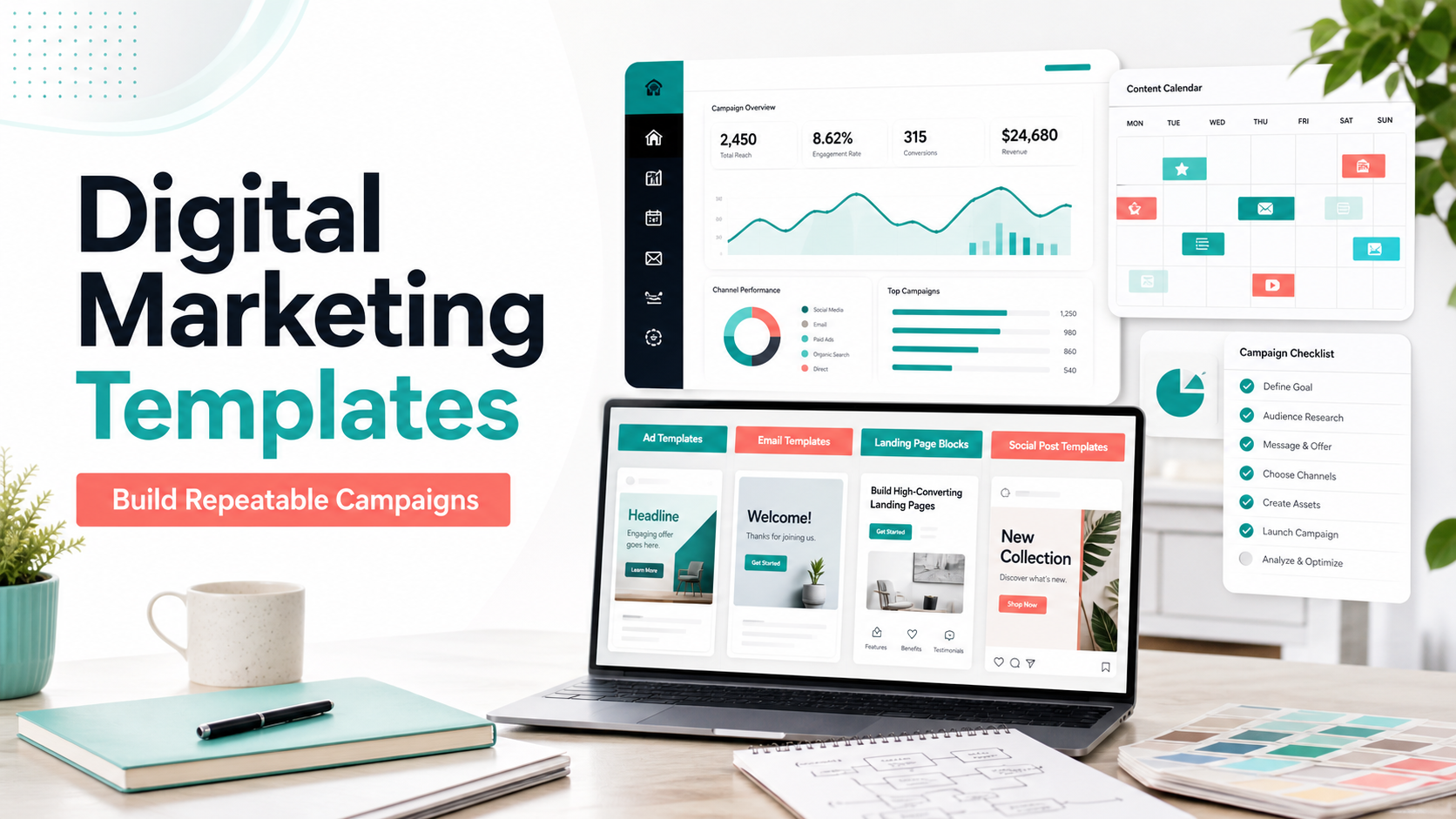
Digital Marketing Templates work best as a connected system. Planning templates help you decide what to say, creative templates help you produce the assets, and reporting templates help you learn what to improve next time.
This guide explains what to include, how to choose the right template structure, where mistakes usually happen, and how to connect the article topic naturally with AdCreativeKit when you need editable design assets.
Think of digital marketing templates as a campaign system
The strongest template library does not begin with visuals. It begins with the decision process: campaign goal, audience, channel, offer, message, asset list, approval flow, and measurement plan. Creative templates then make execution faster.
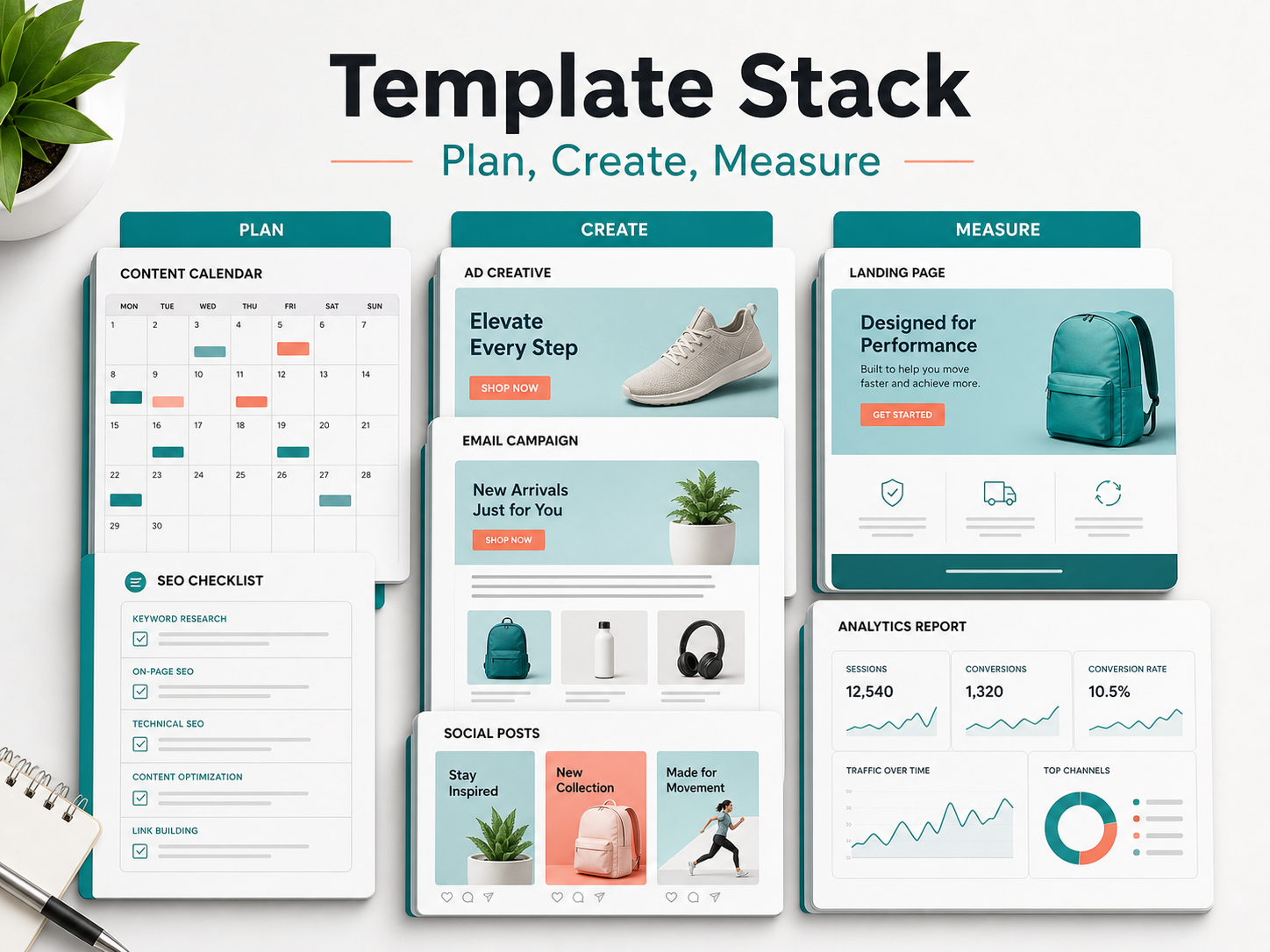
The template stack: brief, calendar, creative, landing page, report
| Layer | Template | Why it matters |
|---|---|---|
| Strategy | Campaign brief | Prevents scattered messaging |
| Planning | Content calendar | Keeps publishing consistent |
| Creative | Ads, posts, banners | Turns the idea into campaign assets |
| Conversion | Landing page sections | Matches the promise after the click |
| Learning | Report template | Captures what to improve |
How different teams use digital marketing templates
Founders often use templates to ship faster. Freelancers use them to create a repeatable client process. Marketing teams use them to keep campaigns consistent across channels. Small businesses can start with marketing templates for small business and then expand into channel-specific assets.
Measurement templates that keep campaigns honest
A measurement template should record the campaign goal, channel, asset variation, spend if applicable, clicks, leads or sales, and a short learning note. Avoid declaring a template successful from one isolated result; context such as audience, offer, timing, and landing page matters.
Mistakes that turn template libraries into clutter
- Saving every file but naming nothing clearly.
- Mixing old and new brand styles without version control.
- Creating templates with no campaign goal.
- Ignoring the post-click experience.
- Tracking output but not results.
How AdCreativeKit supports the creative layer
AdCreativeKit fits into the creative layer of a broader digital marketing system. Use it for editable campaign visuals, then connect those assets to planning and promotion guides such as ecommerce marketing templates, promotional templates, and sale banner templates.
How to organize a digital marketing template library
Template libraries become hard to use when everything is saved by design style instead of campaign job. Organize files by workflow stage: planning, creative, publishing, reporting, and archive. Inside creative, separate ads, banners, social posts, email graphics, and landing-page sections.
Use naming conventions that show the campaign, channel, format, date, and version. For example: spring-sale-facebook-ad-benefit-v2 is far easier to find later than final-final-new.png.
Digital marketing template examples by business type
| Business type | Useful templates | Why |
|---|---|---|
| Ecommerce | Product launch, sale banner, retargeting ad | Campaigns change quickly and need many assets |
| Service business | Lead magnet, testimonial post, consultation CTA | Trust and clarity matter before inquiry |
| Creator or educator | Content calendar, webinar promo, email header | Audience education drives demand |
| Agency or freelancer | Client brief, ad concepts, report template | Repeatable delivery saves time |
When to update templates instead of creating new ones
Update a template when the structure still works but the brand, copy, or format needs improvement. Create a new template when the campaign job is different. This keeps the library lean and prevents teams from choosing between dozens of nearly identical files.
How to review your template system once a quarter
A template system should not stay frozen forever. Every quarter, remove outdated assets, update brand styles, archive campaigns that no longer reflect the business, and identify which templates were used most often. The goal is to make the library smaller and more useful, not bigger for its own sake.
Also review gaps. If your team keeps recreating the same type of report, ad, post, or landing-page section, that is a sign a new template is needed. If nobody uses a template, either improve it, rename it, move it to the right folder, or retire it.
Digital Marketing Template System Map
A digital marketing template library should cover the full campaign operating system, not only design files. The safest structure is planning templates, creative templates, channel templates, landing page templates, and reporting templates. That keeps this page distinct from narrower assets like ad creative templates or ecommerce marketing templates.
| Template layer | What it controls | Supporting AdCreativeKit guide |
|---|---|---|
| Campaign brief | Goal, audience, offer, proof, assets | Creative brief template |
| Creative production | Hooks, images, offers, proof, CTAs | Ad creative templates |
| Channel execution | Social, email, landing page, retargeting | Facebook ad templates |
| Measurement | Test plan, scorecard, reporting | Ad testing matrix |
Template Governance Rules
The audit risk with broad template pages is repetition. The fix is governance: define what each template is allowed to solve. A digital marketing template is the system-level page. It should explain how campaign assets work together across channels. It should not repeat every detail from product promotion, email graphics, Canva editing, or testimonial proof pages.
- Use this page as the campaign-system hub.
- Link to specific template pages for execution details.
- Review the template library quarterly and archive outdated patterns.
- Track which templates are planning assets, creative assets, channel assets, and reporting assets.
Quarterly Template Audit
Once per quarter, review the library for duplicates, stale offers, old dimensions, outdated platform assumptions, and templates that no one uses. Keep templates that create better decisions; remove or merge templates that only add more files. This is how the library becomes an operating system instead of a cluttered folder.
Template Ownership
Assign one owner for each template layer. Strategy templates usually belong to marketing leadership, creative templates to the creative team, channel templates to the channel owner, and reporting templates to whoever reviews performance. Clear ownership keeps the system current.
FAQ
What are digital marketing templates?
Digital Marketing Templates are reusable layouts, briefs, copy structures, or campaign assets that help you create marketing material faster while keeping the message organized. The best templates still need your audience, offer, brand style, and final review.
Are digital marketing templates worth buying?
They can be worth buying if they save production time, match your campaign goals, and are flexible enough to edit. Avoid packs that only look attractive in previews but do not provide useful structures for real offers, proof, CTAs, and channel requirements.
Can I use the same template on every platform?
Usually not without adjustment. Different channels crop images differently, use different dimensions, and reward different reading behavior. Use the template as a starting point, then check placement previews, mobile readability, file type, and any current platform requirements.
How do I avoid making templates look generic?
Replace more than colors and logos. Rewrite the hook, use real product or brand imagery, remove unnecessary decoration, choose a specific CTA, and create a few variations for different audiences or offers.
Conclusion
The best digital marketing templates make campaign work clearer, faster, and easier to repeat. Use them as structured starting points, keep the message specific, check current platform requirements, and connect each asset to a real campaign goal before publishing.