Google Display Ad Templates: Sizes, Layout Ideas, and Upload QA Checklist
Google Display Ad Templates are most useful when they give a campaign a clear structure instead of simply making it look polished. The reader usually wants a faster starting point, but they also need help choosing the right message, layout, CTA, and review process.
This guide focuses on practical execution: what the template should include, how to adapt it for real campaigns, which examples are worth testing, and how to connect the finished creative back to your offer on AdCreativeKit without turning the article into a sales page.
What This Template Must Clarify
A strong Google Display ad templates article has to answer both informational and commercial intent. The informational side is about structure: what goes where, which message belongs first, and how the reader can avoid common mistakes. The commercial side is about choosing editable assets that are flexible enough for real campaigns.
The template should make the important parts easier to decide: audience, offer, visual emphasis, supporting proof, and next action. If those decisions are missing, the design may look attractive but still fail to communicate.
| Template job | What it clarifies | What to customize |
|---|---|---|
| Hook | Why the viewer should stop | Problem, benefit, or offer angle |
| Visual hierarchy | What the viewer notices first | Product image, headline size, contrast |
| Proof | Why the claim is believable | Review, example, feature, or process detail |
| CTA | What to do next | Button text and destination |
| Variation | What you are testing | Hook, offer, image, or format |
Display ads should be checked against current Google requirements before upload. Google’s official uploaded display ad specifications are the safest reference for sizes and file rules.
Specific Structures and Examples
Start with the campaign job, then choose the layout. For Google Display ad templates, the best structure is usually the one that makes the offer easiest to understand. Do not choose a template only because it looks busy, trendy, or dramatic in a preview.
| Angle | When to use it | Testing idea |
|---|---|---|
| Leaderboard | Use this angle when the campaign needs a leaderboard message. | Create one version for cold audiences and one for warm audiences. |
| Rectangle Ad | Use this angle when the campaign needs a rectangle ad message. | Create one version for cold audiences and one for warm audiences. |
| Product Banner | Use this angle when the campaign needs a product banner message. | Create one version for cold audiences and one for warm audiences. |
| Retargeting Banner | Use this angle when the campaign needs a retargeting banner message. | Create one version for cold audiences and one for warm audiences. |
| Offer Cta | Use this angle when the campaign needs a offer CTA message. | Create one version for cold audiences and one for warm audiences. |
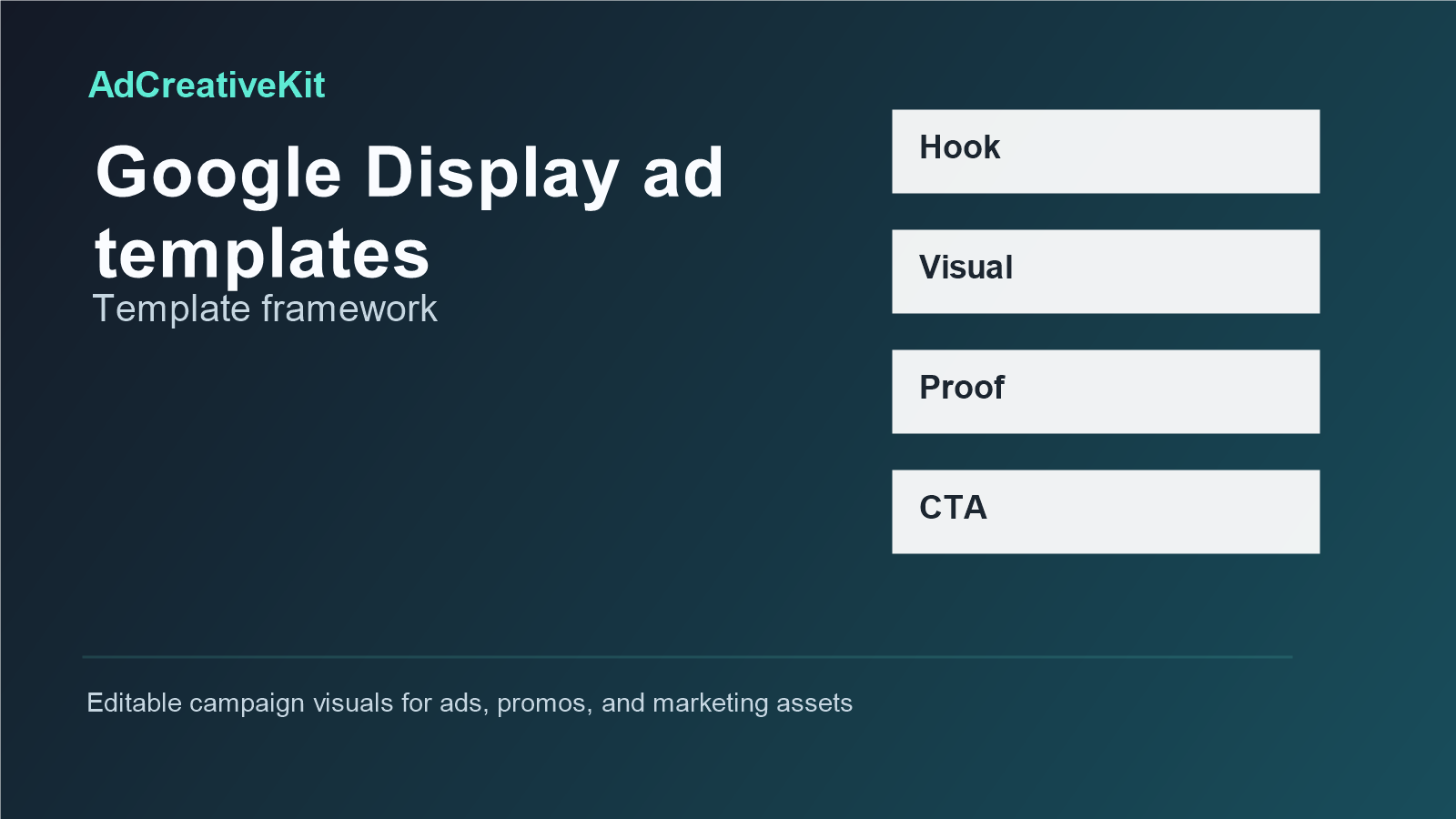
Example framework you can adapt
Use this simple structure when you need a practical starting point: headline that names the value, visual that supports the headline, one proof or detail line, and a CTA that matches the landing page. For example, a product campaign might use a headline like “Build your promo set faster,” a preview of the product assets, a short detail such as “Editable ad, banner, and social layouts,” and a CTA like “View the templates.”
If the post overlaps with broader campaign planning, connect it to related resources such as Ad Creative Templates and Product Promotion Templates. Those internal links help readers move from one asset type to the next without repeating the same advice in every article.
A practical workflow
- Define the campaign goal before opening the design file.
- Choose one primary audience and one offer for the first version.
- Select a template structure that supports that offer.
- Write three headline variations before changing colors or imagery.
- Replace placeholders with real product, brand, or proof assets.
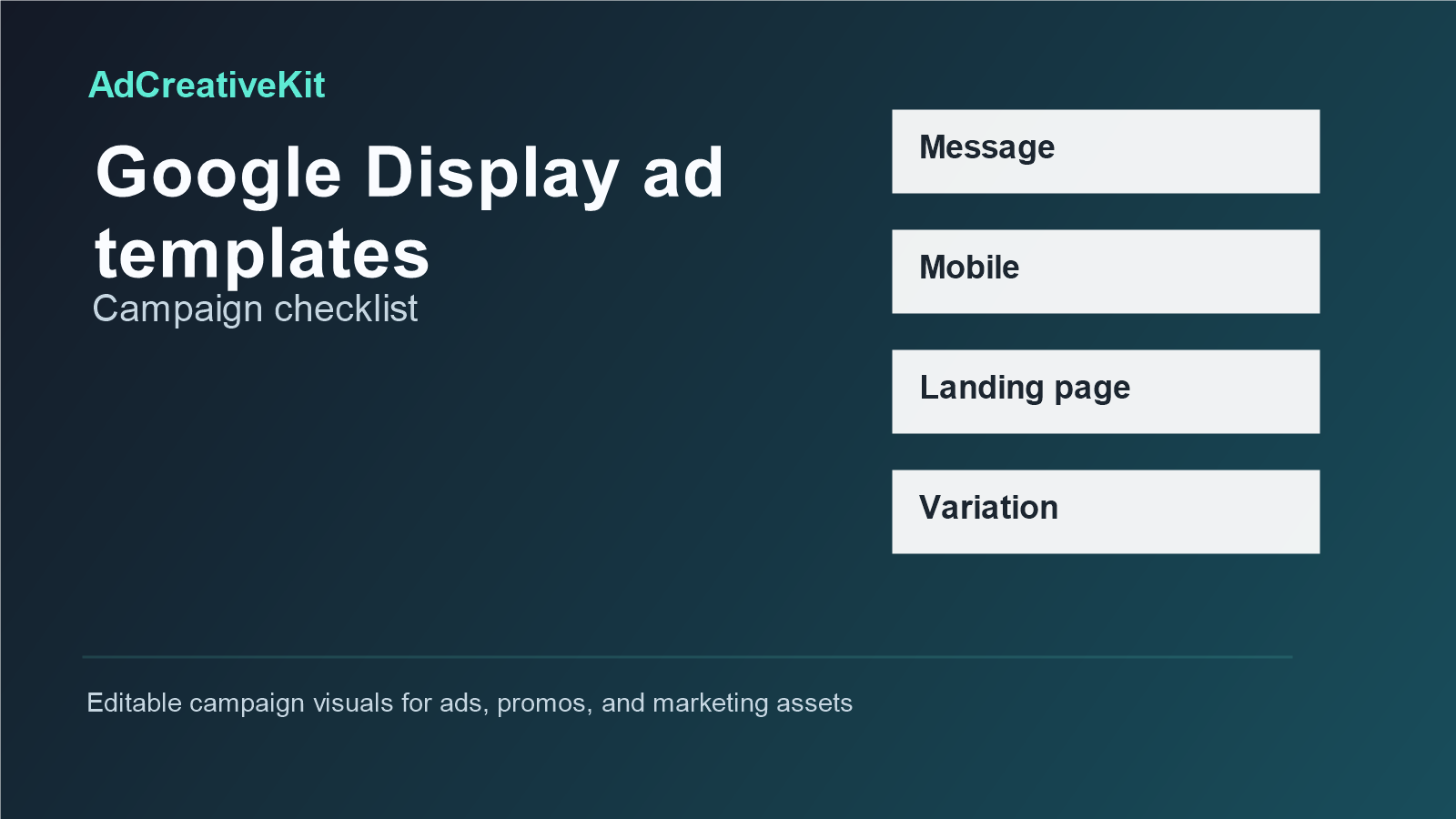
- Export only after checking mobile readability and landing-page match.
- Save the finished version with a name that records the channel, angle, and date.
This workflow keeps template editing grounded. It also makes the article useful for readers who do not buy anything immediately, which is important for trust and long-term SEO.
Mistakes to avoid
- Changing colors and logos but leaving generic placeholder copy.
- Using one layout for every channel without checking crop and readability.
- Adding several messages to one asset instead of choosing one clear idea.
- Writing claims that sound impressive but are not supported by the offer or proof.
- Forgetting that the landing page must continue the same promise as the ad or graphic.
- Buying templates without checking editing format, license, and commercial-use terms.
How to Use AdCreativeKit in This Workflow
AdCreativeKit can fit naturally when the reader is ready for editable campaign visuals. The article should still stand on its own, but the product mention belongs where the reader is thinking, “I understand the structure; now I need assets I can customize.”
Use AdCreativeKit as the creative-production layer: ad layouts, promotional graphics, campaign visuals, and editable design starting points. Keep the message specific to the article topic instead of promising universal results. Templates can support faster production and clearer hierarchy, but performance still depends on audience, offer, channel, timing, and execution.
Display Creative by Placement
Google Display ad templates need stricter hierarchy because placements are small and context changes constantly. Prepare versions for awareness, retargeting, offer reminders, and product-specific campaigns. Keep one message per creative and make the product or offer readable without zooming.
| Display job | Creative focus | CTA |
|---|---|---|
| Awareness | Product category and benefit | Learn more |
| Retargeting | Product reminder and proof | Continue shopping |
| Sale | Offer and deadline | Shop sale |
| Bundle | Included items and value | View bundle |
Pair display creatives with sale banner templates for offer clarity and retargeting templates for warm-audience messaging.
FAQ
What are Google Display ad templates?
Google Display Ad Templates are reusable campaign layouts or copy structures built for a specific marketing use case. They help organize the hook, visual, offer, proof, and CTA so you are not starting from a blank page every time.
Are Google Display ad templates worth buying?
They can be worth buying when they save production time, match your campaign goal, and are easy to edit. The best template pack is not always the biggest one; it is the one you can adapt to real offers without making your brand look generic.
Can I use the same template for every platform?
Usually no. A template can be reused as a starting point, but each platform or placement may need different sizing, cropping, text scale, and CTA treatment. Always preview the final asset before publishing.
How many variations should I create?
Start with three to five meaningful variations. Change one major element at a time, such as the hook, product image, offer, proof, or CTA. Too many random changes make it hard to learn what actually improved clarity.
How should I connect the template to a landing page?
Match the promise. If the creative promotes a bundle, the landing page should show that bundle clearly. If the creative leads with a discount, the landing page should repeat the offer and condition. Consistency after the click matters as much as the design itself.
Conclusion
Google Display Ad Templates work best when they make campaign decisions easier. Use them to create a clearer message, faster production process, and more organized creative testing. When you need editable campaign assets, start from the relevant templates on AdCreativeKit, then customize the message around your real audience and offer.