Graphic Design Templates: The Complete Guide to Creating Better Marketing Assets Faster
Graphic design templates are reusable layouts that help you create professional marketing assets faster. Instead of starting from a blank canvas every time you need a social post, ad creative, email header, flyer, presentation slide, or landing page graphic, a template gives you a tested structure you can customize with your own brand, offer, images, and copy.
Used well, templates do not make your brand look generic. They do the opposite: they create consistency, speed, and quality control. The key is choosing templates that support a clear message, flexible editing, strong visual hierarchy, and repeatable campaign workflows.
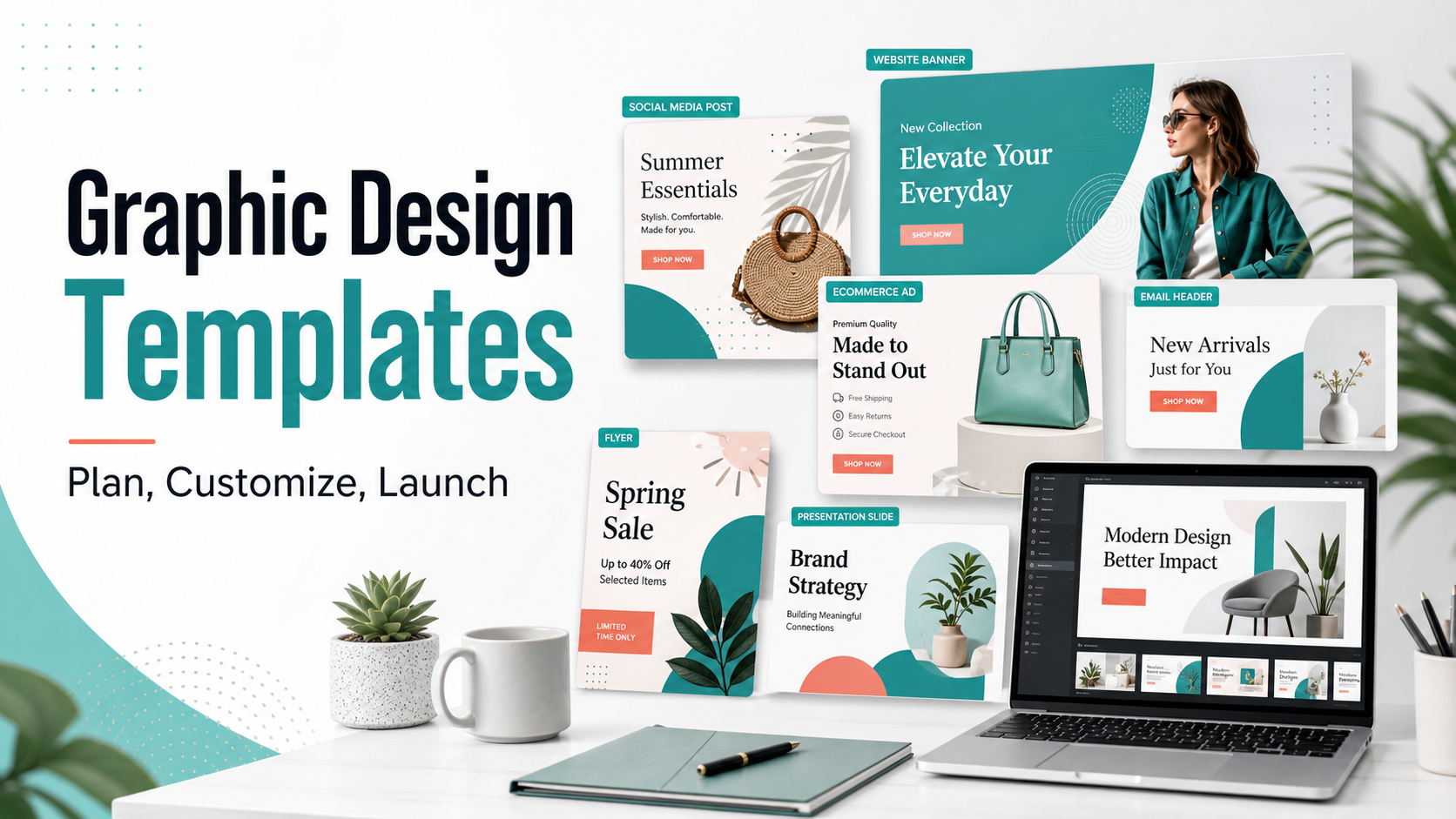
Table of contents
- What are graphic design templates?
- Why graphic design templates matter
- Types of graphic design templates
- How to choose the right templates
- Graphic design template quality checklist
- How to use templates in a marketing workflow
- Common mistakes to avoid
- How to Use AdCreativeKit in This Workflow
- FAQ
What are graphic design templates?
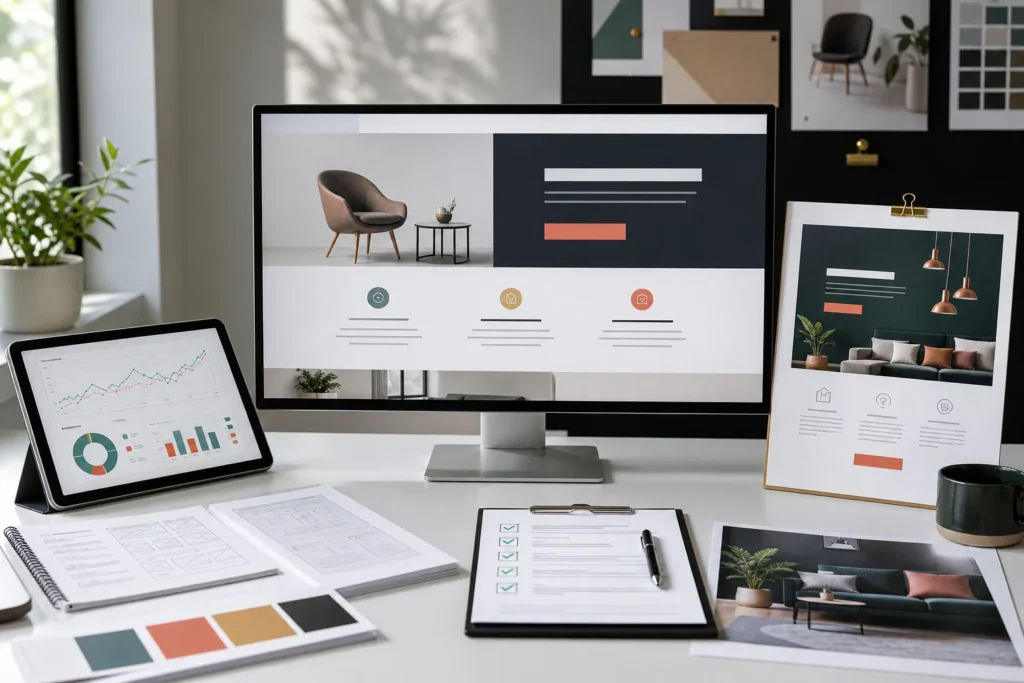
Graphic design templates are pre-built design files or layouts that can be edited for a specific purpose. A template usually includes a composition, typography system, image placeholders, color palette, spacing rules, buttons, badges, icons, and content sections. You replace the placeholder content with your own product, offer, message, or brand assets.
For example, a social media template might already include a headline area, product image area, short caption, CTA button, and brand footer. An ecommerce ad template might include a product photo, discount badge, benefit bullets, and a strong call to action. A brand kit template might include colors, typography, logo usage, and reusable design components.
The best templates are not just ?pretty.? They solve a communication problem. They help the viewer understand what the asset is about, why it matters, and what action to take next.
Why graphic design templates matter
Marketing teams, ecommerce stores, creators, and small businesses often need a lot of design output: ads, posts, emails, product graphics, sales banners, lead magnets, landing pages, and seasonal campaigns. Without templates, each asset can become a separate design project. That slows down execution and makes the brand look inconsistent.
- Speed: templates reduce setup time and help you launch assets faster.
- Consistency: repeated layouts keep your visual identity recognizable.
- Quality control: a strong template gives non-designers guardrails for spacing, hierarchy, and typography.
- Testing: templates make it easier to create multiple versions of the same concept.
- Scale: once you have a template system, one campaign idea can become ads, posts, emails, and banners.
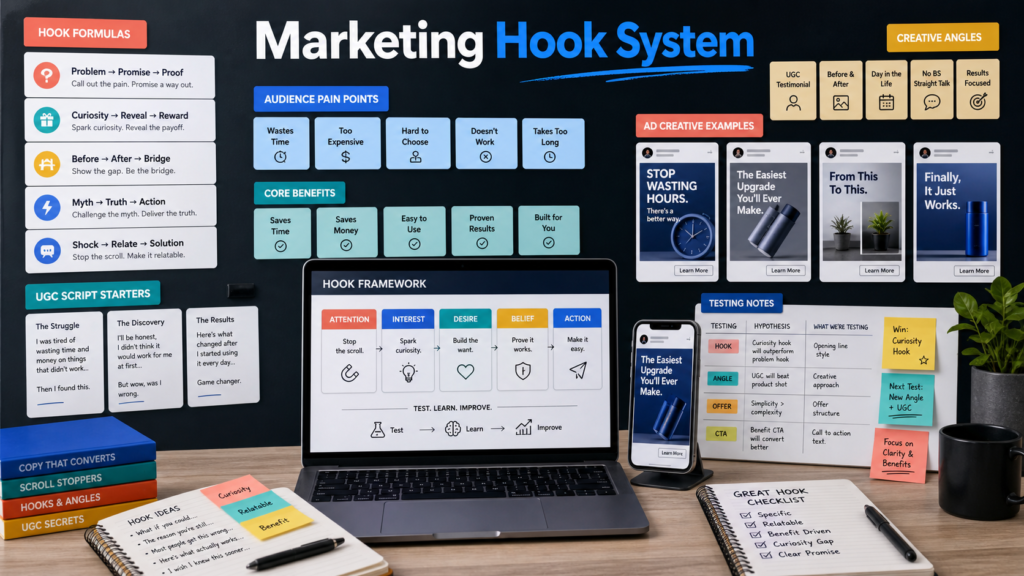
This is especially useful for performance marketing. If you are testing ad templates, UGC angles, product offers, or seasonal campaigns, speed matters. The faster you can create quality variations, the faster you can learn which messages and layouts actually work.
Types of graphic design templates
Graphic design templates can support almost every visual touchpoint in your marketing. The right choice depends on where the asset will appear, what the viewer needs to understand, and how quickly the design must communicate the message.
1. Social media graphic design templates
Social media templates help you create repeated content formats such as announcements, educational tips, product highlights, testimonials, carousels, sale posts, and creator-style content. They are helpful because social platforms reward consistent publishing, but consistency is hard when every post starts from scratch.
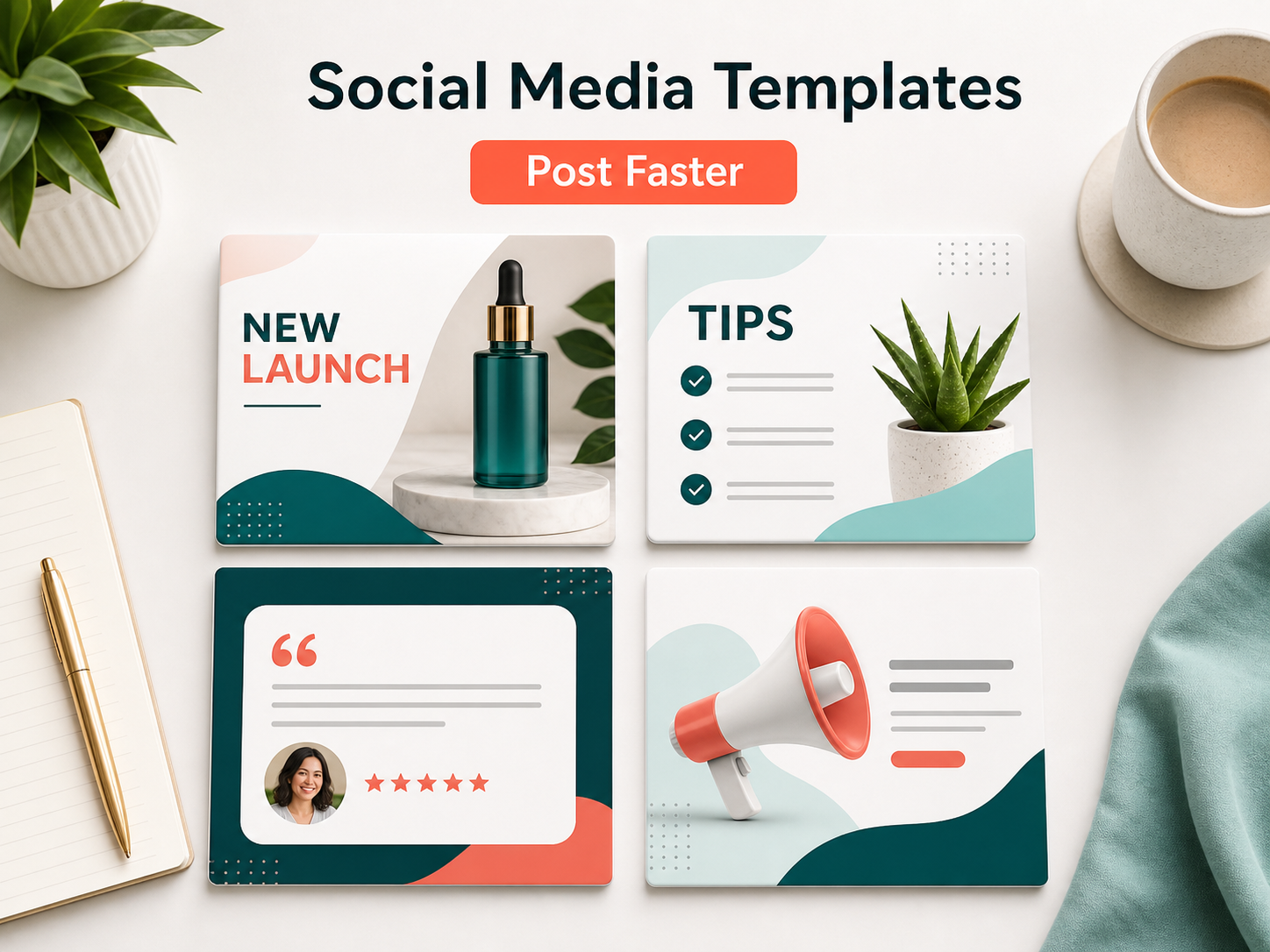
A good social media template should have a strong first-read headline, enough space for a product or visual, and a flexible area for short copy. For platform-specific inspiration, you can connect this with our guides to Instagram ad templates and Facebook ad templates.
2. Ecommerce ad templates
Ecommerce ad templates are built to make offers clear. They usually include product photography, a headline, benefit bullets, price or discount details, trust cues, and a call to action. The goal is to help shoppers understand the product and offer quickly.
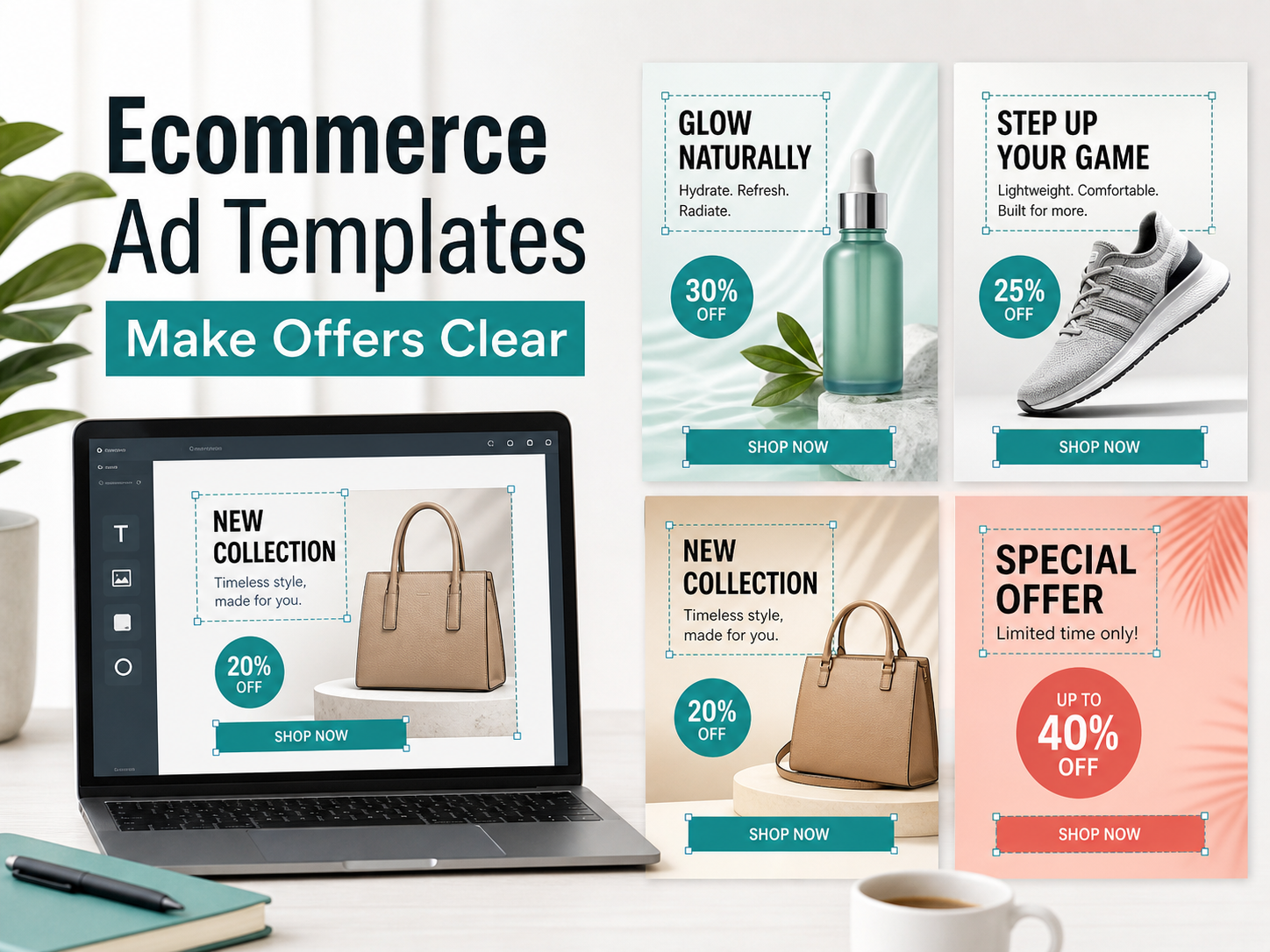
For paid traffic, templates are valuable because they let you test different hooks, product angles, offers, and proof points without rebuilding the design each time. If you run campaigns often, you may also like our guide to static ad templates for quick creative production.
3. Brand kit templates
Brand kit templates keep your visual identity consistent. They define your colors, fonts, logo spacing, image style, icon usage, buttons, and reusable components. This matters because a brand can quickly feel messy when different assets use different styles.
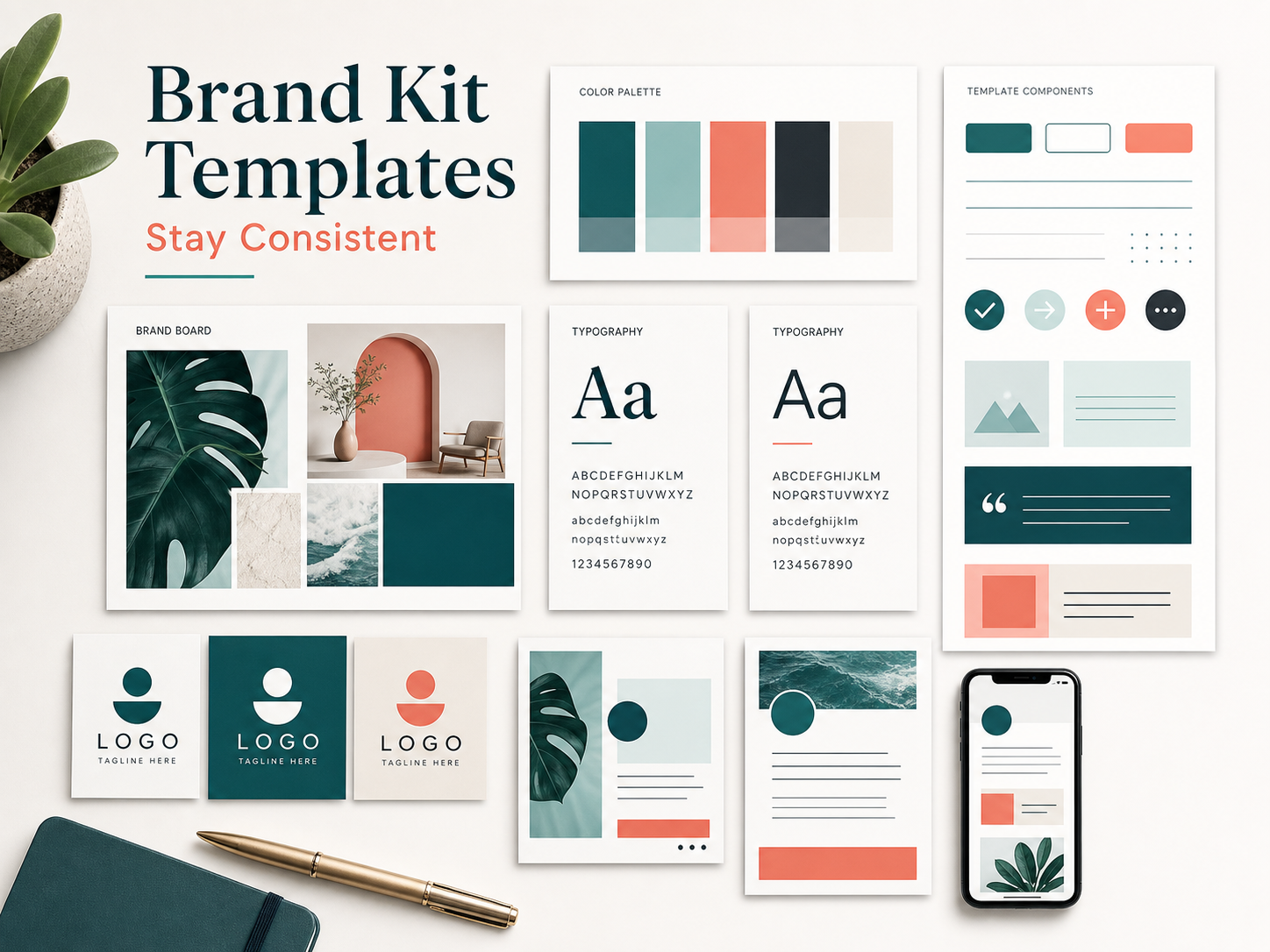
A simple brand kit template should include at least five things: logo rules, color palette, typography choices, example layouts, and reusable design components. Even a small business can look more professional when these basics are consistent.
4. Campaign templates
Campaign templates help you turn one marketing idea into multiple assets. For example, a product launch might need a landing page hero, email header, ad creative, social post, product feature block, testimonial graphic, and retargeting banner. A campaign template system keeps those pieces visually connected.
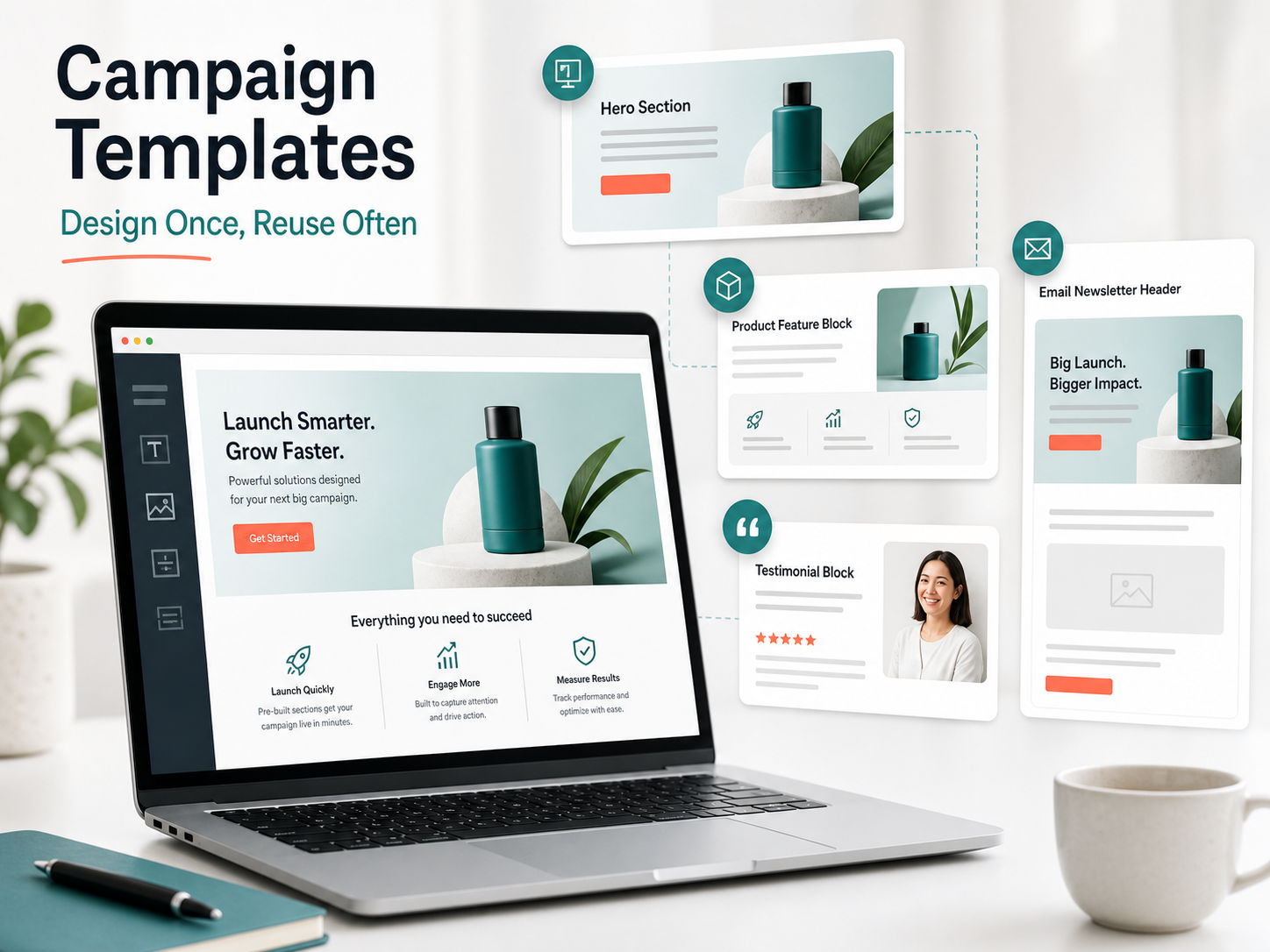
This is where templates become more than a design shortcut. They become a launch system. You can design once, then reuse the same visual direction across channels while adjusting copy and dimensions for each placement.
How to choose the right graphic design templates
Not every template is worth using. Some look attractive in a preview but are hard to edit, too decorative, or weak for real marketing. Before using a template, judge it by how well it supports your message and workflow.
Start with the goal
Ask what the design needs to achieve. Is it meant to sell a product, explain a feature, announce a launch, build trust, educate followers, collect leads, or support a campaign? A template for a product ad should not look the same as a template for a tutorial carousel.
Check the visual hierarchy
Good templates make the most important information obvious. The viewer should know what to read first, what the offer is, and what action to take. If everything is the same size, nothing feels important.
Make sure it is easy to edit
A useful template should be easy to customize. You should be able to change the headline, replace the product image, adjust colors, edit buttons, and adapt the layout without breaking the design.
Look for reusable sections
The strongest templates include reusable sections: hero blocks, product cards, testimonial areas, FAQ blocks, pricing highlights, and CTA sections. These pieces let you build new assets without redesigning every detail.
Graphic design template quality checklist
Use this checklist before adding a template to your design library:
- The headline area is clear and readable on mobile.
- The product or main visual has enough space to stand out.
- The layout has one primary message, not five competing ideas.
- Colors can be adapted to your brand without losing contrast.
- Typography is clean and easy to scan.
- CTA buttons or action areas are obvious.
- The template works with real product photos, not only perfect mockups.
- There is enough whitespace for the design to breathe.
- The structure can be reused for multiple offers or campaigns.
- The template supports testing different hooks and copy variations.
How to use graphic design templates in a marketing workflow
The best way to use templates is to build a simple system. Instead of downloading random templates whenever you need something, create a small library organized by purpose.
- Define your core formats: social posts, ads, emails, banners, carousels, product graphics, and landing page sections.
- Create template groups: organize templates by campaign type, platform, or funnel stage.
- Set brand rules: choose fonts, colors, logo placement, button styles, and image treatment.
- Write reusable copy blocks: hooks, CTAs, testimonial formats, offer labels, and product benefit sections.
- Build variations: change one thing at a time, such as the hook, image, CTA, or offer.
- Measure performance: track which layouts and messages get the best response.
- Save winners: turn strong designs into repeatable templates for future campaigns.
If you are using templates for ads, this workflow pairs well with our guide to A/B testing ad creatives. Templates are most useful when they help you produce controlled variations, not random designs.
Common mistakes to avoid
Using templates without strategy
A template can make a weak message look cleaner, but it cannot fix a vague offer. Start with the audience, problem, product, and goal. Then choose the template that communicates that idea best.
Over-designing the asset
Many templates look impressive because they include lots of shapes, gradients, icons, stickers, and decorative elements. For real marketing, clarity usually beats decoration. If the design distracts from the message, simplify it.
Ignoring mobile readability
Most people will see your designs on a phone. Headlines, buttons, badges, and product details need to remain readable at smaller sizes. Always preview the final asset at mobile scale before publishing.
Changing too many things at once
If you are testing ad designs, avoid changing the headline, product image, layout, CTA, colors, and audience all at once. You will not know what caused the result. Templates make it easier to keep the structure stable while testing one element at a time.
How to Use AdCreativeKit in This Workflow
Once you understand how graphic design templates work, the next step is building a practical library you can reuse. This is where AdCreativeKit can help. It is made for marketers, ecommerce brands, and creators who want complete design templates for campaigns, ads, social content, and promotional assets without starting from scratch.
The point is not to replace strategy. The point is to give your strategy a faster production system. You can take a campaign idea, choose a template, customize the message, add your product visuals, and create polished assets for different channels. You can also browse the AdCreativeKit shop when you need editable templates that are built for marketing use cases.
For example, if you are promoting an ecommerce product, you might start with a product ad layout, turn the same idea into a social post, create a retargeting banner, and use a matching email header. That gives your campaign a consistent look while keeping production fast.
Final thoughts
Graphic design templates are valuable because they turn design into a repeatable system. They help you publish faster, stay consistent, improve visual quality, and create more campaign variations without rebuilding every asset from the beginning.
The best templates are clear, flexible, editable, and built around real marketing goals. Start with the purpose of the asset, choose a template that supports the message, customize it carefully, and save the strongest versions as part of your long-term design library.
FAQ
What are graphic design templates?
Graphic design templates are reusable design layouts that can be edited for social posts, ads, emails, flyers, presentations, landing pages, banners, and other marketing assets.
Are graphic design templates good for marketing?
Yes. Graphic design templates can help marketing teams create assets faster, stay visually consistent, test more creative variations, and reduce the time spent designing from scratch.
What should a good graphic design template include?
A good template should include a clear headline area, image placeholder, readable typography, strong spacing, brand-friendly colors, CTA area, and a flexible structure that can be reused for different campaigns.
Can beginners use graphic design templates?
Yes. Templates are especially helpful for beginners because they provide layout structure and design guardrails. Beginners can customize text, colors, and images while keeping the design polished.
How do I make templates look unique?
Use your own brand colors, product photos, typography, messaging, and examples. The template gives you structure, but your offer, visuals, and copy make it specific to your brand.